

20 Free Marketing Tools for SaaS and Tech Startups

September 9, 2026

Running marketing at a SaaS startup means finding creative ways to attract users, convert leads, and scale growth without burning through your budget. In 2026, that usually means choosing tools that can support one real workflow immediately, not adding a giant software wish list to an already busy team.
The good news? Plenty of powerful tools offer free plans that help with email marketing, analytics, CRM, lead generation, design, SEO, social proof, AI, and more. The harder part is knowing which free plans are genuinely useful, which ones are short trials, and which ones look generous until you need automation, exports, attribution, or enough contacts to run a real campaign.
Below, we compare 20 free marketing tools for SaaS and tech startups, with notes on what each free plan is actually good for, when it makes sense to upgrade, and how to combine the tools into a lean startup marketing stack.
Quick Highlights
Methodology
- The free plan supports a real startup workflow, not just a short demo.
- The tool fits common SaaS motions: free trial, demo request, PLG onboarding, email nurture, paid traffic, SEO, or sales-assisted growth.
- The upgrade trigger is clear, so teams know when free stops being efficient.
- The tool covers a specific role in the stack instead of duplicating three other tools.
Start With This Stack
If you are starting from zero, do not install all 20 tools at once. Build the stack in layers:
If you are deciding which free tools deserve time before paid channels, pair this with Aimers' SaaS marketing budget guide so the stack matches your stage, runway, and growth motion.
What "Free" Really Means: Three Types to Watch Out For
Not all free plans are equal. Before building your stack, it's worth knowing the difference.
Genuinely free tiers aren't artificially crippled. Mixpanel's 1M monthly events, Tally's unlimited forms, and Senja's forever-free plan all qualify. These are the ones to anchor your stack around.
Free trials disguised as free plans start the clock on day one. Always check whether a plan has a time limit or just a usage cap. If it's time-limited, treat it as a trial.
Freemium bait is technically free but useless in practice. Think: email platforms that let you collect subscribers but not send to them, or analytics tools that show data but won't let you export it.
Free Email Marketing Tools for SaaS Startups
Email is one of the highest-leverage channels for SaaS because it supports onboarding, activation, lead nurture, product updates, and re-engagement. Loops.so is strongest for SaaS-style product and lifecycle email, Mailmodo is useful for interactive campaigns, and Mailchimp is a familiar newsletter starter. For a deeper paid-tool comparison, see Aimers' SaaS email marketing tools guide.
1. Loops.so
Built specifically for software companies, Loops lets you send product, marketing, and transactional emails from one interface. Automation is included on the free plan, which is rare at this price point.
Key features:
- Unified product, marketing, and transactional email in one dashboard
- Behavior-triggered automation on the free plan
- Audience segmentation and loop-based sequences
Pricing: Free up to 1,000 subscribers; paid plans from $49/month
Pros: Automation on the free plan; built for SaaS email workflows; low learning curve Cons: 1,000-subscriber cap; fewer integrations than Mailchimp; smaller template library
Best for: SaaS teams sending product and marketing email from one tool
2. Mailmodo
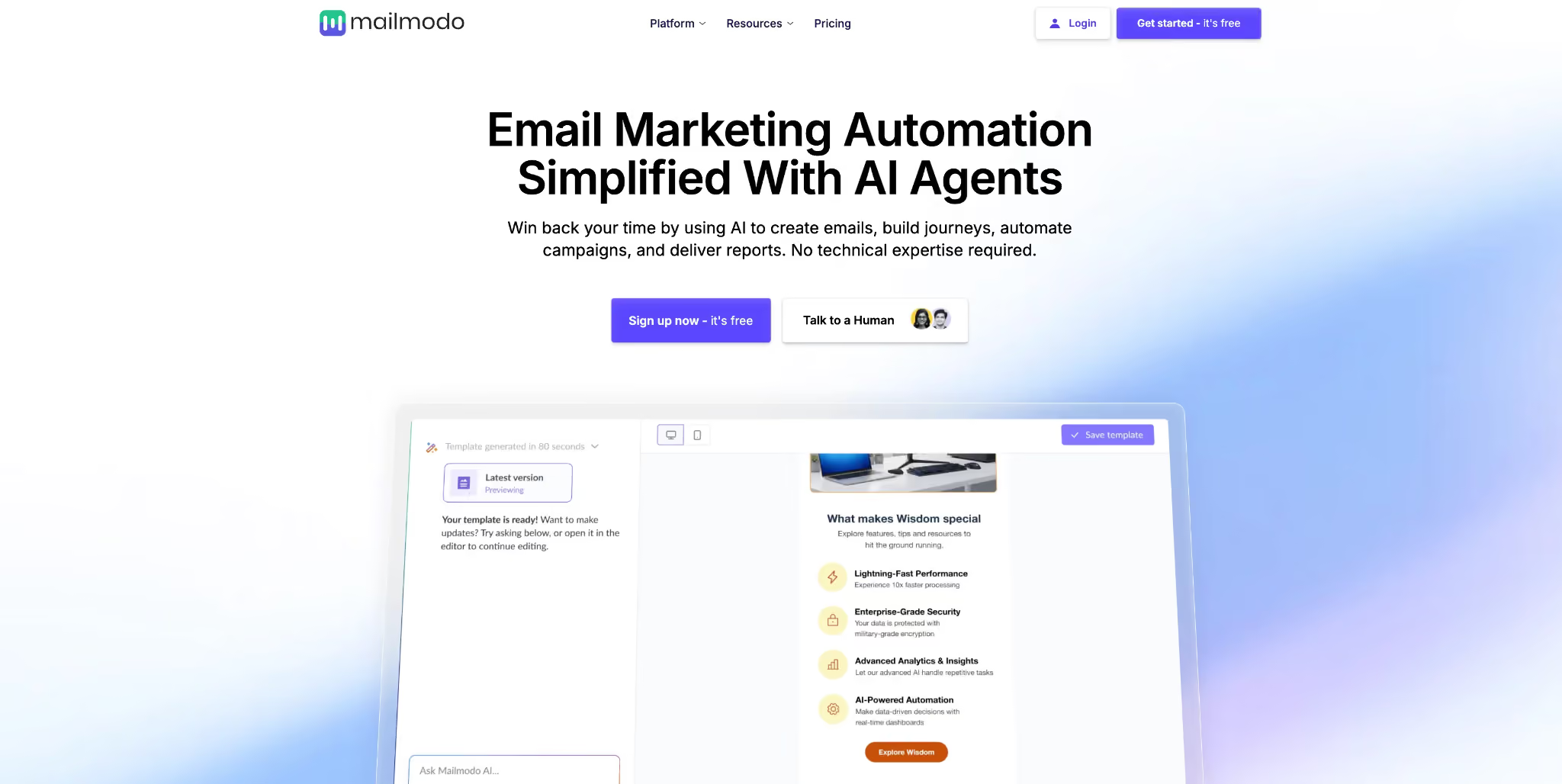
An AI-powered email marketing tool whose AI Agents handle strategy, copy, and automation journey building without needing technical expertise. The fastest way to run interactive email campaigns if you don't have a dedicated email specialist on the team.
Pros: AI-assisted campaign creation; supports interactive AMP emails; fast setup
Cons: Lower free send limits than competitors; AMP limited to Gmail and Yahoo; smaller community
Free plan limit: Limited monthly sends (check current pricing) | When to upgrade: More volume or advanced AI agent feature
3. Mailchimp
The most widely integrated email marketing tool for small business. At 500 contacts and 1,000 sends per month it's enough to test your list, though marketing automation is no longer included on the free plan.
Key features:
- Drag-and-drop email builder with hundreds of templates
- Audience segmentation and basic contact tagging
- Landing page builder on paid plans
Pricing: Free up to 500 contacts / 1,000 emails per month; paid plans from $13/month
Pros: Massive integration ecosystem; reliable deliverability; widely familiar interface Cons: 500-contact cap is tight for growth; no automation on free plan; sharp paid plan pricing jump
Best for: Small business teams launching a basic newsletter with broad integration needs
Free Analytics Tools for SaaS Startups
You cannot optimize what you cannot measure, but early-stage SaaS teams also cannot spend weeks building a perfect analytics warehouse. Start with tools that answer three questions: where visitors come from, what they do in the product, and where they get stuck before converting.
4. Mixpanel
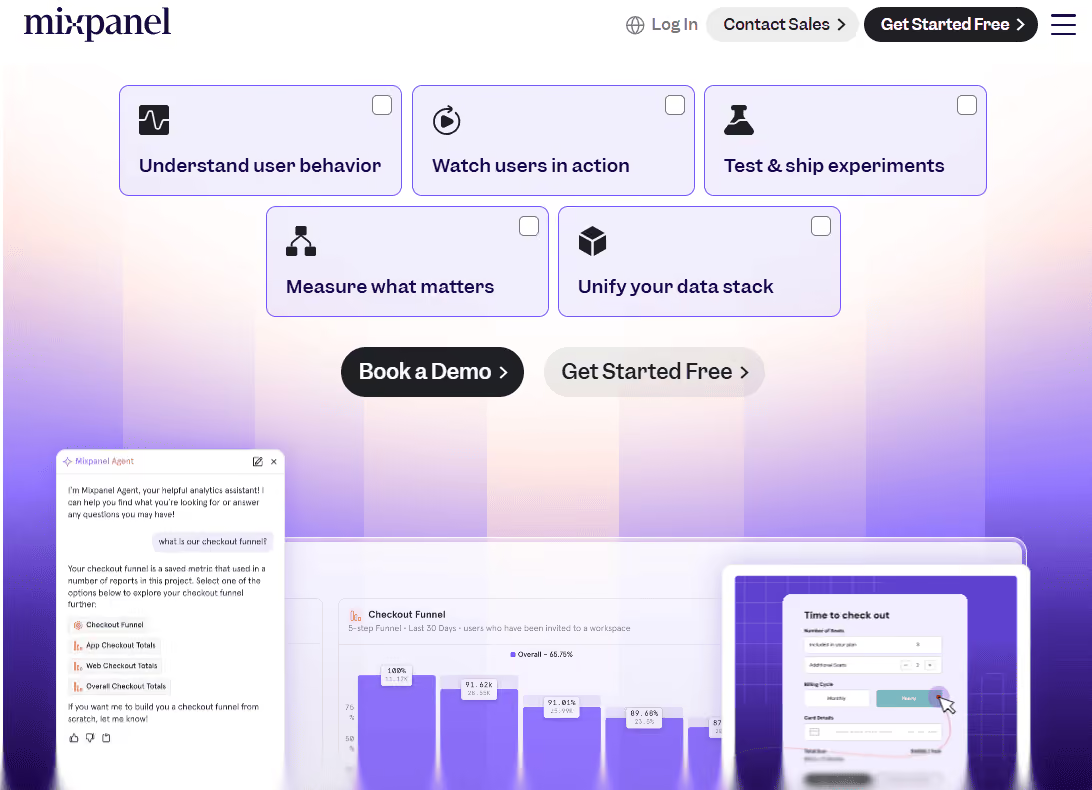
The best free analytics marketing tool for SaaS companies that want to understand what users actually do inside their product. Its event-based platform covers funnel analysis, retention views, and real-time charts connecting product behavior to revenue. The free plan includes 1M monthly events, which most early-stage startups won't hit for a long time.
Aimers helped Mixpanel drive conversions 164% while decreasing CPL by 67%, a reminder of how much strong analytics can compound when paired with strong paid media.
Key features:
- Event-based tracking with real-time dashboards
- Funnel, retention, and cohort analysis
- User flow visualization and behavioral segmentation
Pricing: Free up to 1M events/month; paid plans from $28/month
Pros: 1M-event free tier is genuinely generous; best-in-class funnel and retention analysis Cons: Steeper learning curve than GA4; developer setup required for event tracking
Best for: SaaS teams wanting product analytics beyond what GA4 provides
5. Google Analytics 4
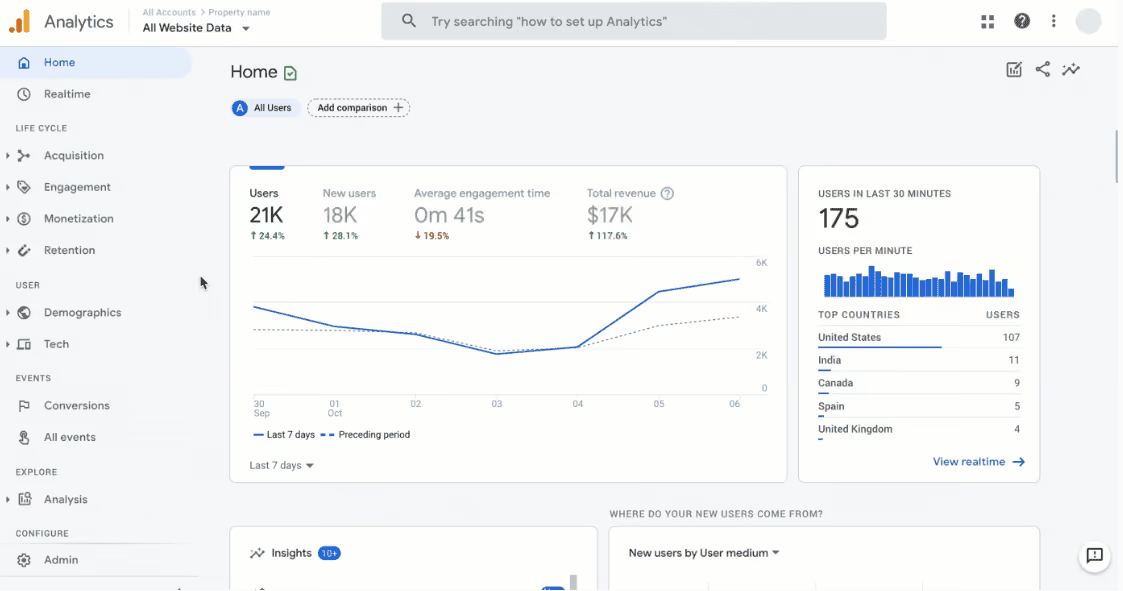
Non-negotiable for any startup running paid media or SEO. GA4 integrates directly with Google Ads and Search Console for clean marketing attribution. It's not a product analytics platform like Mixpanel, but for traffic sources and conversion funnels it's essential, and free with no meaningful cap.
Key features:
- Traffic source and channel performance reporting
- Conversion tracking and goal setup
- Direct Google Ads and Search Console integration
Pricing: Free with no usage cap; GA4 360 is enterprise-only
Pros: No cap; direct Google Ads integration; industry standard with massive documentation Cons: Event model is confusing to configure; weaker product analytics depth than Mixpanel
Best for: Every startup as a baseline marketing attribution tool
6. Microsoft Clarity
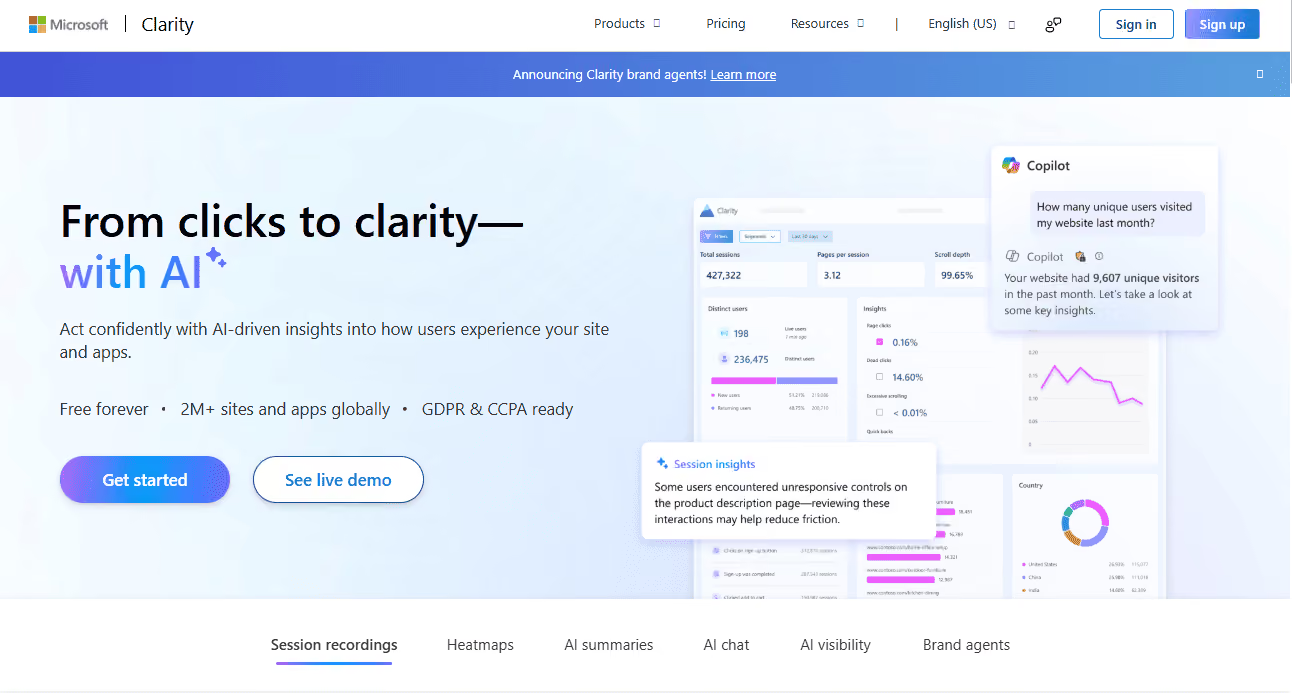
A free session recording and heatmap marketing tool that shows exactly how visitors interact with your landing page. No session limit makes it the go-to choice for any small business that needs CRO-style behavioral data without a paid plan.
Key features:
- Unlimited session recordings with no cap
- Click, scroll, and movement heatmaps
- Rage click and dead click detection
Pricing: Completely free, no paid plan
Pros: Unlimited recordings; heatmaps and session replays at zero cost; direct GA4 integration Cons: No A/B testing; 90-day data retention limit; less filtering granularity than paid tools
Best for: Small business teams optimizing landing page performance at zero cost
Free CRM and Lead Generation Tools
A CRM from day one is one of the most underrated marketing tactics for early-stage SaaS teams. Even if you only have a few leads, you need one place to track source, segment, lifecycle stage, notes, follow-up, and whether leads from marketing are actually qualified.
7. Attio
A flexible, modern CRM you build around your workflow. Email and calendar sync, custom pipelines, and automation are all available on the free plan, enough for an early founding team to get organized without fighting configuration.
Key features:
- Custom data model with flexible object and attribute types
- Email and calendar sync on the free plan
- Pipeline automation and task management
Pricing: Free for up to 3 seats; paid plans from $34/month per seat
Pros: Highly flexible data model; modern UI; email and calendar sync included free Cons: 3-seat limit; smaller integration ecosystem; less mature reporting than HubSpot
Best for: Early founding teams that want a CRM built around their own sales process
8. Apollo
A sales intelligence platform with a large B2B contact database. Fifty free monthly email credits are enough to test outbound sequences and validate your ICP before committing.
Key features:
- 275M+ B2B contact database with email and phone data
- Built-in outbound email sequencing and automation
- Lead scoring and ICP filters
Pricing: Free with 50 email credits/month; paid plans from $49/month
Pros: Large verified contact database; outbound sequencing and CRM in one tool Cons: Very limited free credits; data accuracy varies for smaller or newer companies
Best for: Outbound startups testing cold email sequences before committing to a paid plan
9. HubSpot CRM
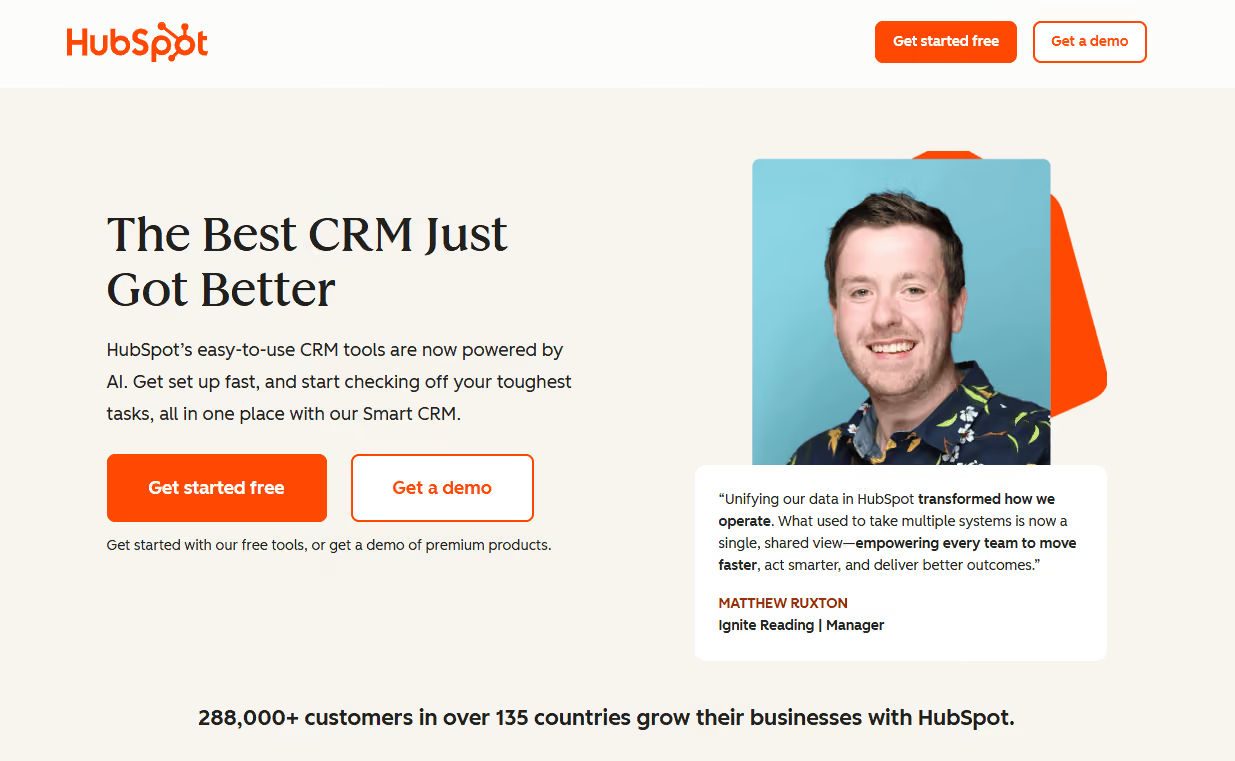
Contact management, deal tracking, and email logging are genuinely free forever with no seat limit. The catch: marketing automation, email campaigns, and landing pages live in the paid Marketing Hub. The free CRM is excellent; the free marketing automation is not.
Key features:
- Unlimited contacts and users on the free CRM plan
- Deal pipeline and activity tracking
- Email open and click tracking
Pricing: Free CRM forever; Marketing Hub paid plans from $20/month
Pros: Unlimited contacts and seats; strong reporting; massive integration ecosystem Cons: Marketing automation is paid-only; interface feels heavy for very small startup teams
Best for: Startups that want a scalable free CRM with a large integration ecosystem from day one
Free Social Proof Tools
Social proof is one of the most underused growth levers for early-stage SaaS. Testimonials lift landing page conversion without touching your marketing budget.
10. Senja.io
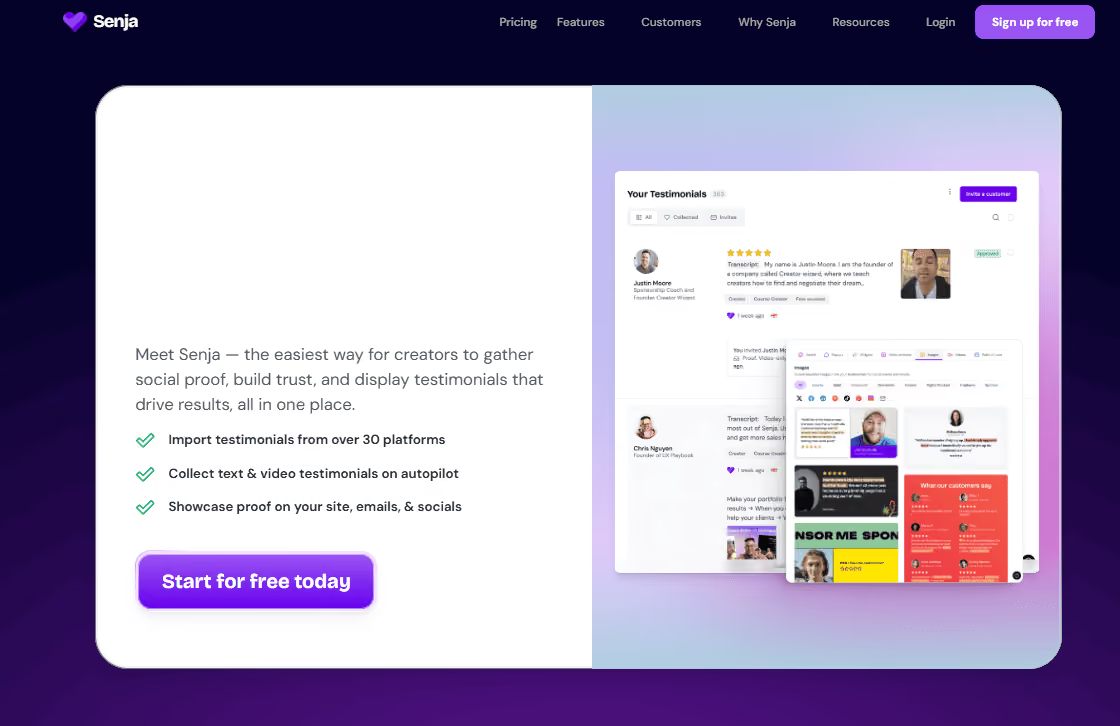
A forever free testimonial collection and display platform. Collect text and video reviews from customers, then embed them on your landing page using a variety of widgets. At zero cost, it's one of the most impactful free marketing tools on this list for improving conversion rate.
Key features:
- Text and video testimonial collection via shareable forms
- Multiple embed widget styles for landing pages and websites
- Testimonial wall, carousel, and badge formats
Pricing: Forever free (core features); paid plans from $19/month
Pros: Forever free core plan; collects text and video; multiple landing page embed formats Cons: White-label embeds require a paid plan; limited CRM integrations on the free tier
Best for: Any SaaS startup collecting and displaying customer testimonials without a paid plan
Free Design Tools for SaaS Startups
Most early-stage SaaS teams don't have a dedicated designer. These marketing tools for startups let non-designers create on-brand visuals without advanced features locked behind a paid plan.
11. Canva
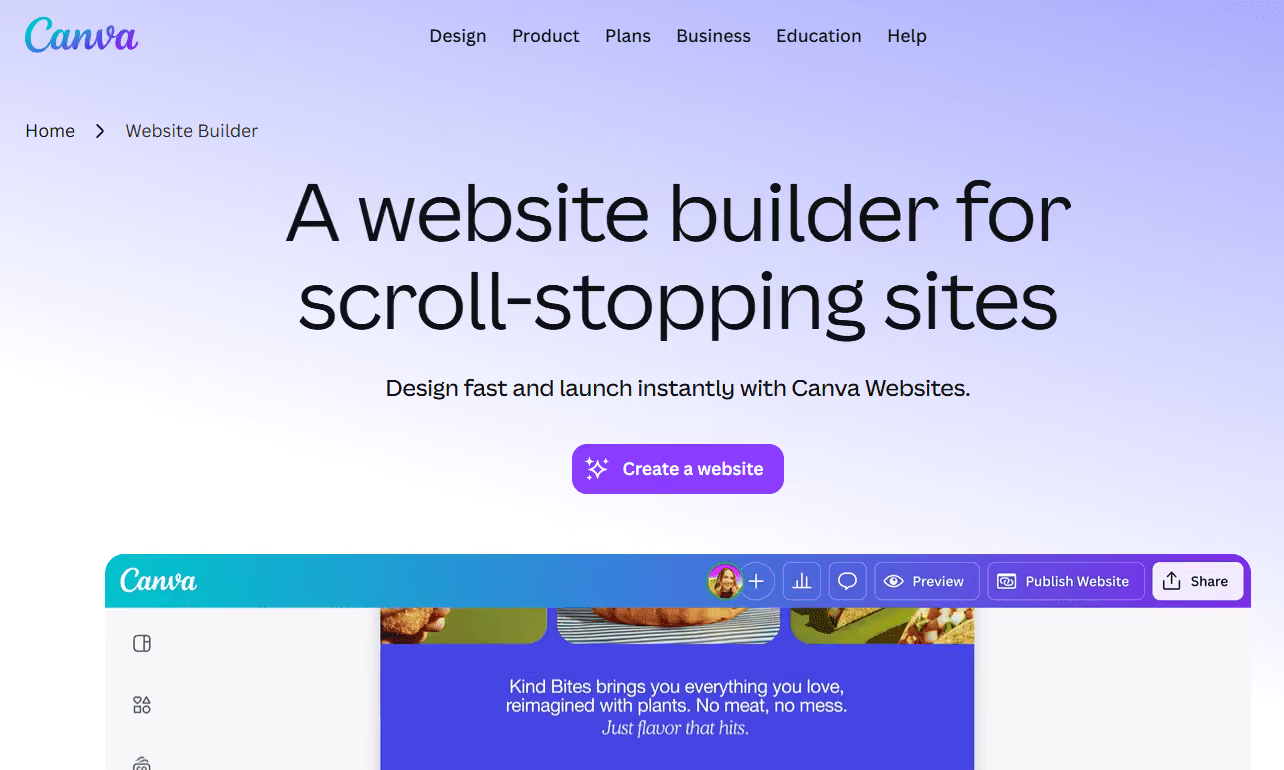
The default free design tool for startup marketing teams. Its drag-and-drop interface covers social media graphics, pitch deck slides, email headers, and landing page banners. The free plan includes thousands of templates and covers most day-to-day visual needs for a small business without design resources.
Key features:
- Drag-and-drop editor with 250,000+ templates
- Social media, email, and presentation asset formats
- Real-time team collaboration
Pricing: Free with generous limits; Canva Pro from $15/month per user
Pros: Huge template library; no design skills needed; real-time collaboration included free Cons: Brand kit and background remover require a paid plan; designs can look generic on defaults
Best for: Small business marketing teams creating visuals without a dedicated designer
12. Figma
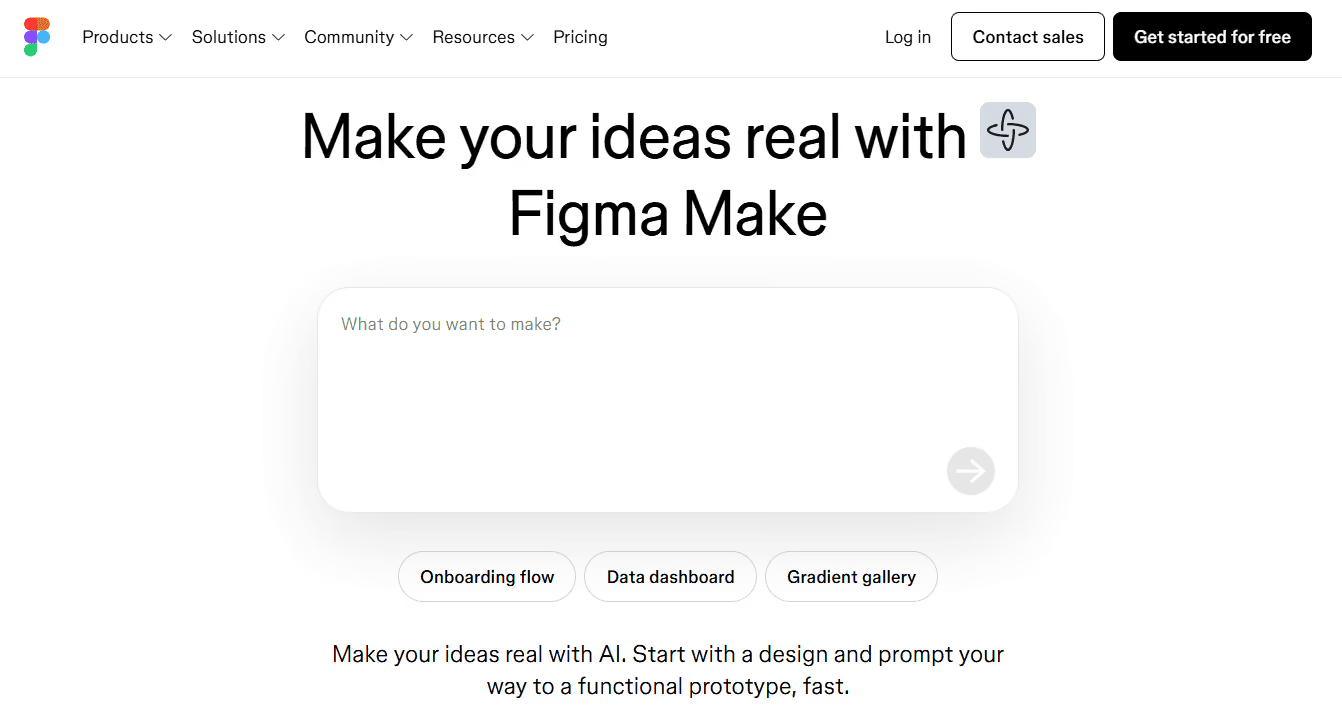
The industry-standard tool for UI/UX design and the easiest way to collaborate with developers or freelance designers. The free plan allows 3 projects, enough to design landing pages, product mockups, or wireframes without exporting anything.
Key features:
- Vector design editor with reusable component libraries
- Real-time collaboration and commenting
- Prototyping and interactive user flows
Pricing: Free up to 3 projects; paid plans from $15/month per editor
Pros: Real-time collaboration; developer handoff included free; industry standard
Cons: 3-project cap; steeper learning curve than Canva for non-designers
Best for: Founders and designers building landing pages and product mockups collaboratively
Free Forms and Data Collection Tools
13. Tally.so
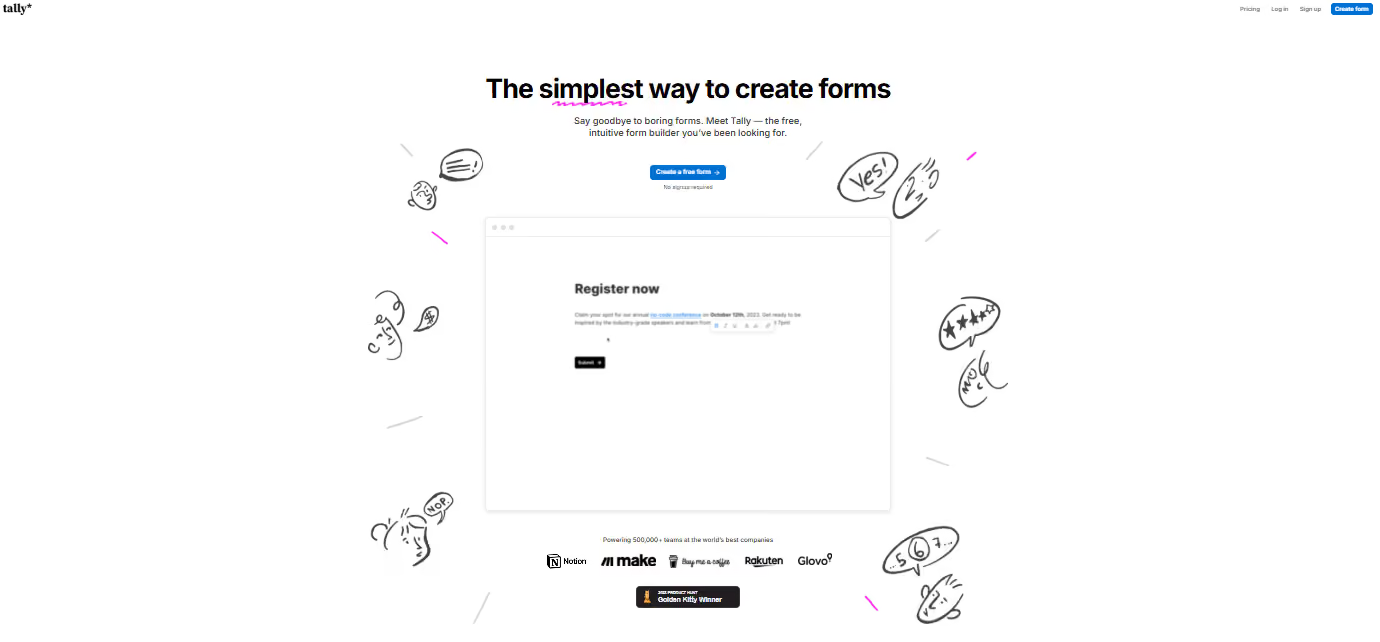
Unlimited forms and unlimited submissions on the free plan, rare in a category where most marketing tools cap submissions or hide advanced features behind a paid plan. Embed on any landing page and connect to Notion, Sheets, or Slack.
Key features:
- Unlimited forms and submissions on the free plan
- Multi-step forms with conditional logic
- Clean embedding on any landing page or website
Pricing: Free with unlimited forms; paid plans from $29/month
Pros: Truly unlimited submissions; conditional logic on the free plan; clean landing page embeds
Cons: File uploads and payment collection require a paid plan
Best for: Startups collecting leads, feedback, or onboarding data without submission limits
Free SEO Tools for SaaS Startups
The best free SEO tools for SaaS do not replace strategy, but they do show whether content is being found, indexed, and trusted. Use Google Search Console for page/query visibility, Ahrefs Webmaster Tools for backlinks and audits, and connect both insights to a consistent content workflow. If SEO production is becoming manual and slow, Aimers' SaaS marketing automation tools guide can help you decide what to automate next.
14. Google Search Console
Free, official, and direct from Google. Shows how your pages rank, which queries drive clicks, and what technical issues are holding you back. Non-negotiable if you're investing in content marketing.
Key features:
- Organic search performance by query, page, and country
- Index coverage and crawl error reporting
- Core Web Vitals monitoring
Pricing: Completely free, no paid tier
Pros: Official Google data; identifies indexing and Core Web Vitals issues; direct GA4 integration
Cons: Your own site only; 16-month data retention; no keyword research or competitor data
Best for: Every startup with a website - no exceptions
15. Ahrefs
Access to Ahrefs' industry-leading backlink database and organic keyword rankings, permanently free for your own verified domains. Covers most of what early-stage teams need before investing in a full paid SEO suite.
Key features:
- Backlink profile with referring domain data
- Organic keyword rankings and traffic estimates
- Site audit with 100+ technical SEO checks
Pricing: Free for verified own domains; paid Ahrefs plans from $129/month
Pros: Ahrefs-quality backlink data; full site audit included; permanently free for your own sites
Cons: Own sites only; no competitor research on the free plan; limited data exports
Best for: Startups building SEO authority and monitoring backlinks without a paid plan
Free Product Demo Tools
16. Arcade.software
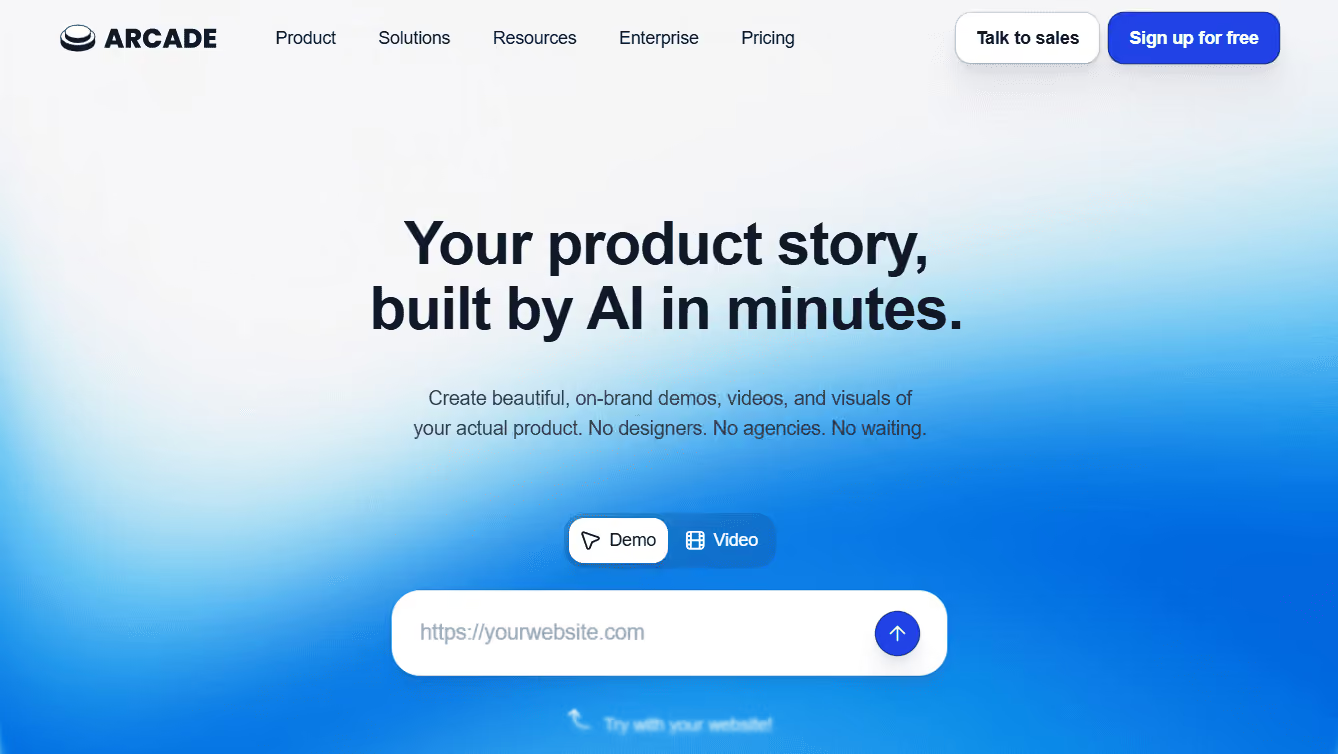
Interactive, click-through product demos with no engineering required. Record your screen, Arcade turns it into a guided walkthrough, and you embed it on your landing page, in an email, or in a sales deck. Three free demos are enough to test the format before committing.
Key features:
- Screen recording to interactive demo in minutes
- Hotspot annotations and guided walkthrough steps
- Embed on landing pages, in email, or as a standalone link
Pricing: Free for 3 demos; paid plans from $32/month
Pros: No engineering required; fast to produce; embeds anywhere
Cons: 3-demo cap on the free plan; Arcade branding on free demos
Best for: SaaS teams adding an interactive product demo to their landing page before the sales call
Free Link Management Tools
17. Dub.co
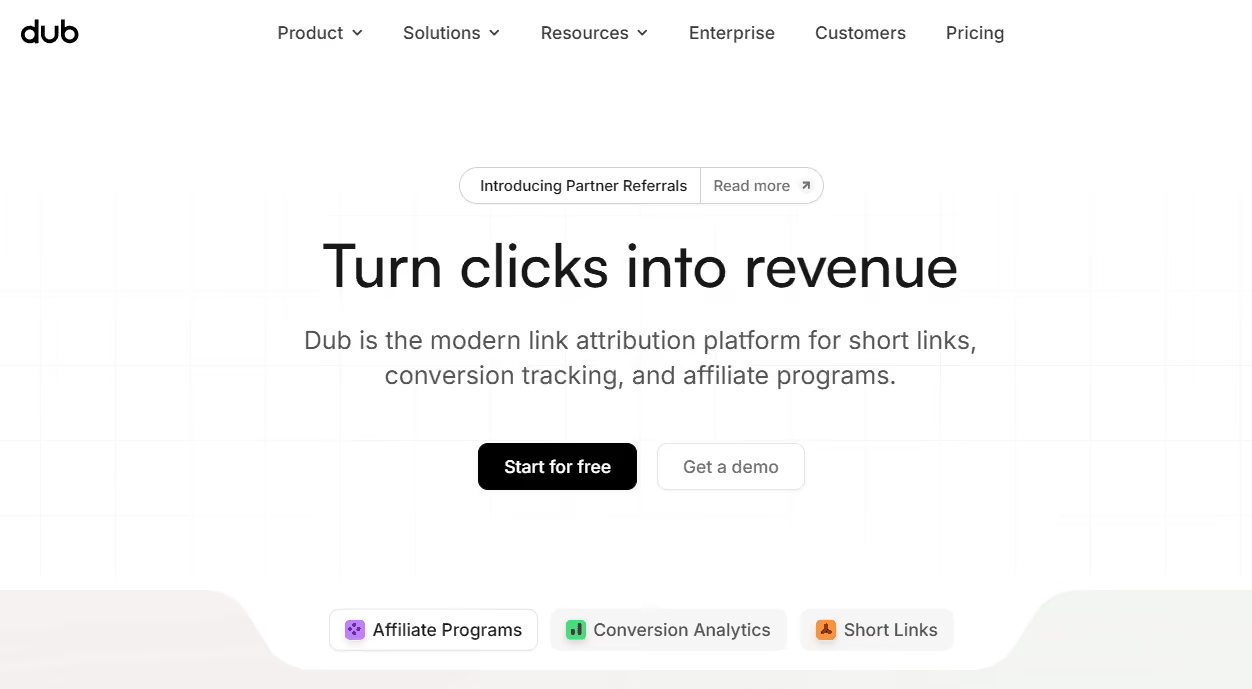
An open-source link management platform for branded short links with real click analytics. Useful alongside the free advertising tools in your stack for understanding what's actually driving traffic from each campaign.
Key features:
- Branded short link creation with custom domains
- Click analytics with geographic and device breakdowns
- UTM parameter builder
Pricing: Free with 1K tracked clicks/month; paid plans from $19/month
Pros: Open-source; branded links look more professional; geographic and device analytics included
Cons: 1K tracked clicks/month is tight for any paid campaign; only 30-day analytics retention
Best for: Startups tracking link performance across email, social, and paid campaigns
Free AI Marketing Tools for SaaS Startups
AI tools are useful for drafting, editing, research, repurposing, campaign planning, and QA. The risk is letting AI increase output before your positioning, ICP, and offer are clear. For paid campaign use cases, see Aimers' AI-powered SaaS ad campaign automation guide.
18. ChatGPT
ChatGPT is OpenAI's conversational AI and one of the most widely used free marketing tools for content drafting. It handles copy, email sequences, social posts, and campaign brainstorming — and the free plan covers most daily startup marketing needs. The marketing tools that boost ROI for scaling teams almost always include it.
Key features:
- Short-form and long-form copy drafting
- Campaign ideation and brainstorming
- Email sequence and ad copy generation
Pricing: Free with daily message limits; ChatGPT Plus from $20/month
Pros: Huge prompt community with ready-made marketing templates; fast output; versatile across formatsCons: Daily caps on the free plan; output needs human review; weaker on nuanced long-form tone
Best for: Startup teams that need fast, high-volume content drafts across multiple formats
19. Claude
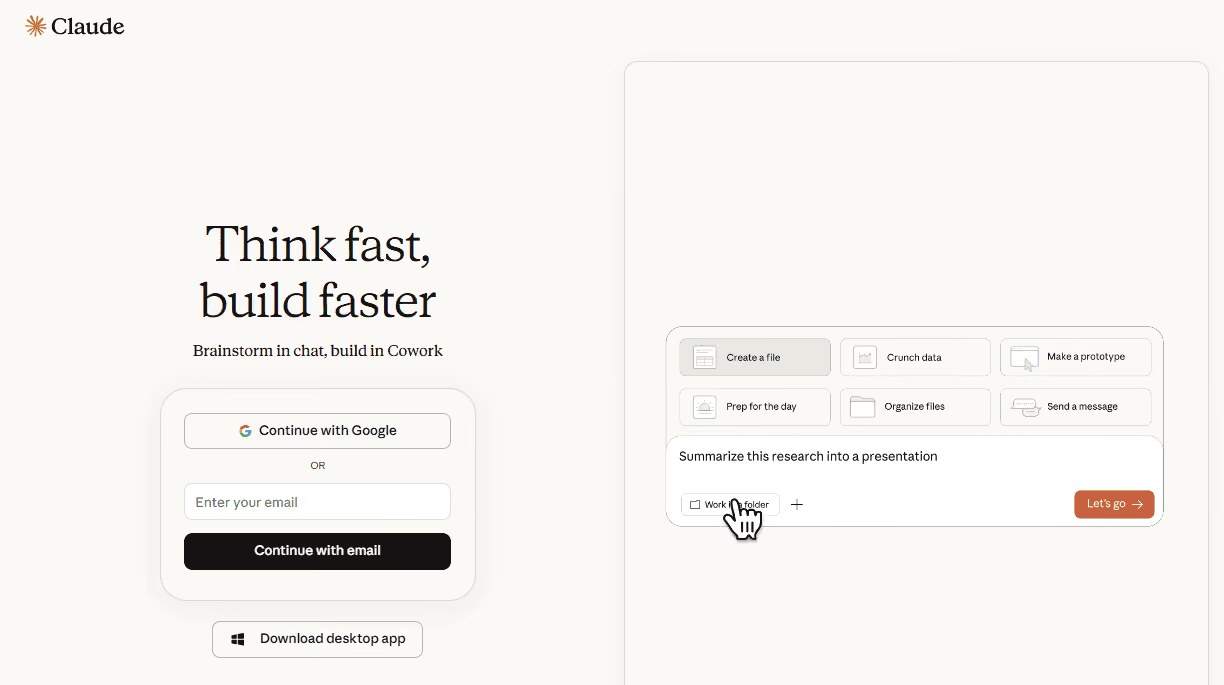
Claude is Anthropic's AI assistant and the stronger choice for marketing teams that need longer, more nuanced content. It handles blog posts, landing page copy, email sequences, and brand voice work with fewer robotic patterns than most AI tools, making it one of the most useful free marketing tools for content-heavy small business teams.
Key features:
- Long-form content drafting with strong tone consistency
- Landing page and email copy generation
- Document summarization and content editing
Pricing: Free with daily message limits; Claude Pro from $20/month
Pros: Excellent at long-form and brand-voice content; more natural output; strong at editing and rewritingCons: Daily free-tier caps; no real-time web access on the free plan; slower for high-volume short-form tasks
Best for: Startups producing blog posts, landing page copy, and email sequences that need to sound human
20. Perplexity
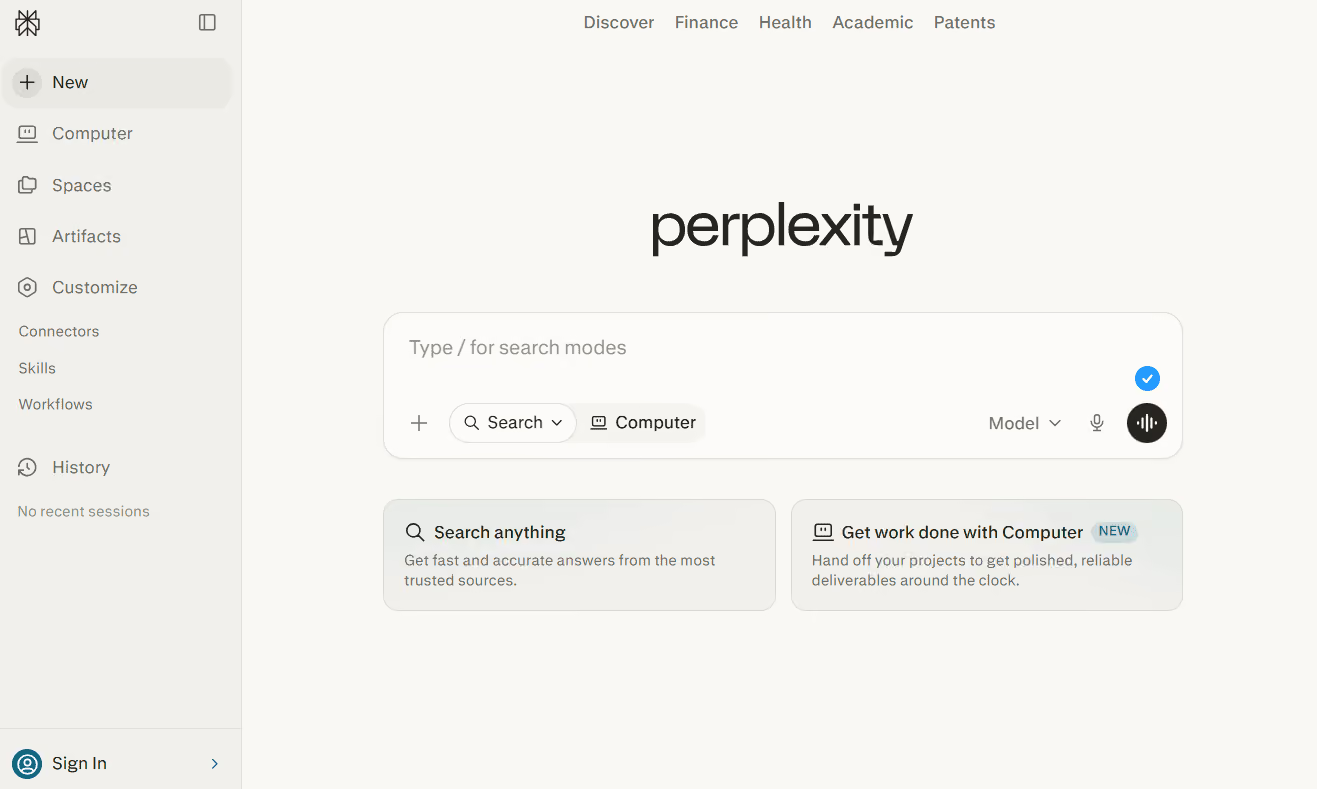
An AI research tool pulling real-time web information with cited sources, faster than traditional search for competitive research or fact-checking content.
Key features:
- Real-time web search with inline source citations
- Follow-up questions with maintained context
- PDF and document upload for research
Pricing: Free with limited Pro searches; paid plans from $20/month
Pros: Real-time search with citations; fast for competitive research; context carries across questions Cons: Pro searches capped on the free plan; citations should still be verified before publishing
Best for: Startups researching competitors, new categories, or fact-checking content quickly
How to Build Your First SaaS Marketing Stack
- Start with measurement. Set up GA4, Google Search Console, and Microsoft Clarity before adding more acquisition tools.
- Add lead capture and CRM next. Use Tally for forms and either HubSpot CRM or Attio as the source of truth.
- Set up email early. Choose Loops.so if product and lifecycle email matter; use Mailchimp if you only need a simple newsletter.
- Collect proof continuously. Add Senja as soon as you have first users or customers worth quoting.
- Layer in SEO and content. Use Search Console and Ahrefs Webmaster Tools to find pages worth updating and keywords worth protecting.
- Use AI to punch above your weight. ChatGPT or Claude for drafting, Perplexity for research, pair these with dedicated content creation tools and a two-person team starts producing like a full marketing department.
- Track campaigns from day one. Dub.co and UTM discipline make it easier to understand which links, emails, social posts, and ads are actually driving qualified traffic.
When you are ready to move from free tools to scalable paid acquisition, Aimers' SaaS PPC agency can help connect the stack to campaign structure, conversion tracking, CAC, and pipeline quality.
Takeaways
- Free does not mean weak. Tools like Mixpanel, Tally, Microsoft Clarity, Google Search Console, HubSpot CRM, and Senja can support real startup workflows at zero cost.
- The best free stack is not the biggest stack. Start with measurement, CRM, forms, email, social proof, SEO visibility, and one AI assistant before adding more tools.
- Upgrade only when a limit blocks a workflow every week. Paying too early burns runway; waiting too long can cost you leads, attribution, and conversion quality.
- Free tools are strongest when they work together. GA4, Dub.co, Clarity, CRM data, and email engagement become much more useful when UTM and lifecycle data are consistent.
- Strategy still matters more than software. A free tool cannot fix weak positioning, unclear ICP, poor landing pages, or a sales process that ignores lead quality.
FAQs
For most early-stage SaaS teams, yes. Free tools can cover analytics, SEO monitoring, CRM, forms, email, social proof, link tracking, and AI-assisted content work. The gap appears when you need more volume, more automation, deeper attribution, better integrations, or multi-person workflows.

Start with GA4, Google Search Console, Microsoft Clarity, a CRM such as HubSpot CRM or Attio, a form tool such as Tally, and one email tool such as Loops.so or Mailchimp. Add Mixpanel when product behavior matters and Senja when you have testimonials to collect.
When a free plan limit is actively blocking a real workflow every week. The first marketing tools for startups that most teams pay for are email once the list outgrows free caps, and analytics once you need advanced segmentation.
Yes, especially at the early stage. GA4 handles source and conversion tracking, Dub.co supports branded links and UTM discipline, Microsoft Clarity shows landing page behavior, and a CRM helps separate useful leads from low-quality conversions. For scale, you will eventually need cleaner conversion tracking and campaign management.
Most early-stage SaaS teams need 7-10 core tools, not 20 fully configured platforms. Cover measurement, CRM, forms, email, SEO visibility, social proof, link tracking, and AI. Add specialized tools only when you know which bottleneck they solve.




.png)