

10 Best Marketing Automation Tools for SaaS

September 18, 2026

At Aimers, we work with SaaS companies constantly, and one pattern keeps repeating: founders paying $800+/month for HubSpot to email 2,000 contacts, or teams defaulting to Marketo because it's the name everyone knows. The best SaaS marketing tools rarely have the biggest logo, and the "safe" enterprise pick is usually the expensive one.
This is a buyer's guide, not a rebadged feature list. Below: what actually matters when picking a SaaS marketing automation platform, how we scored the ten tools that made this list, and where teams overpay for capability they'll never use. Whether you're starting from scratch or replacing an underused platform, the goal is the same: pay for what your team will use, not what a sales deck says you might need someday.
Quick Comparison
Here's a quick comparison of the SaaS automation tools covered in this guide:
These seven are true marketing automation platforms, each triggers customer communication based on product and behavioral data, not just contact properties.
Why Most SaaS Companies Are Using the Wrong Marketing Automation Platform
Picking a marketing automation tool often mirrors picking a gym membership: brand name and peer pressure win out over actual fit.
At Aimers, we see this constantly:
- A Series A company shows up with Salesforce and Pardot, paying enterprise rates
- Their three-person marketing team barely touches 15% of what they're paying for
- G2's 2024 Marketing Automation Grid Report confirms it: most companies use under 40% of their platform's features
The pattern is consistent. Teams pay for enterprise-grade complexity, then use a fraction of what they're buying, while the actual bottleneck goes untouched. Here's what that gap actually looks like, platform by platform:
The good news: the "actually need" column isn't hypothetical. There are real platforms built for exactly that scope, and several are purpose-built for SaaS product data instead of generic contact lists.
As a SaaS PPC agency, we've seen the same overspend pattern play out on the paid acquisition side, too, teams throwing budget at scale before fixing what happens after the click. With one AI SaaS client, a full-funnel PPC strategy drove a 40% increase in subscriptions, without adding a single new tool to their stack. Below, we break down the marketing automation platforms worth considering, what each does well, and where teams tend to overpay for capability they'll never use.
[fs-toc-omit]1. Encharge: Best All-in-One Marketing Solution for Early-Stage SaaS
.avif)
Encharge is a SaaS marketing automation platform built for early-stage teams that need product-event automation without enterprise pricing. It triggers workflows off what users actually do inside the product via APIs, Segment, and webhooks, in a visual, no-code builder.
Best for:
Early-stage SaaS and product-led onboarding
Our take:
Behavioral automation without needing a dedicated ops specialist. We built a client's onboarding sequence with nine paths by user role. Result: 40% higher activation and a 25% bump in trial-to-paid conversion. Worth knowing before you budget: the entry tier repriced from $49 to $79/month (billed annually) since our last review, so screenshots floating around the internet with the old number are stale.
Pros:
- Native behavioral triggers fired directly from product events
- Visual, no-code flow builder with conditional branching
- Native integrations with Stripe, Chargebee, Salesforce, HubSpot, and Segment
Cons:
- No permanent free plan, only a 14-day trial
- Smaller integration library than ActiveCampaign or HubSpot
- Entry pricing has climbed noticeably; less of a bargain than it was a year ago
Pricing and fit:
From $79/month (annual) for 2,000 contacts on the Growth plan; most early-stage teams land between $79-199/month. Choose Encharge if your team wants to automate onboarding and lifecycle communication around real product events without investing in a complex enterprise platform.
[fs-toc-omit]2. Userlist: The Conversational Marketing Platform Built for SaaS Growth
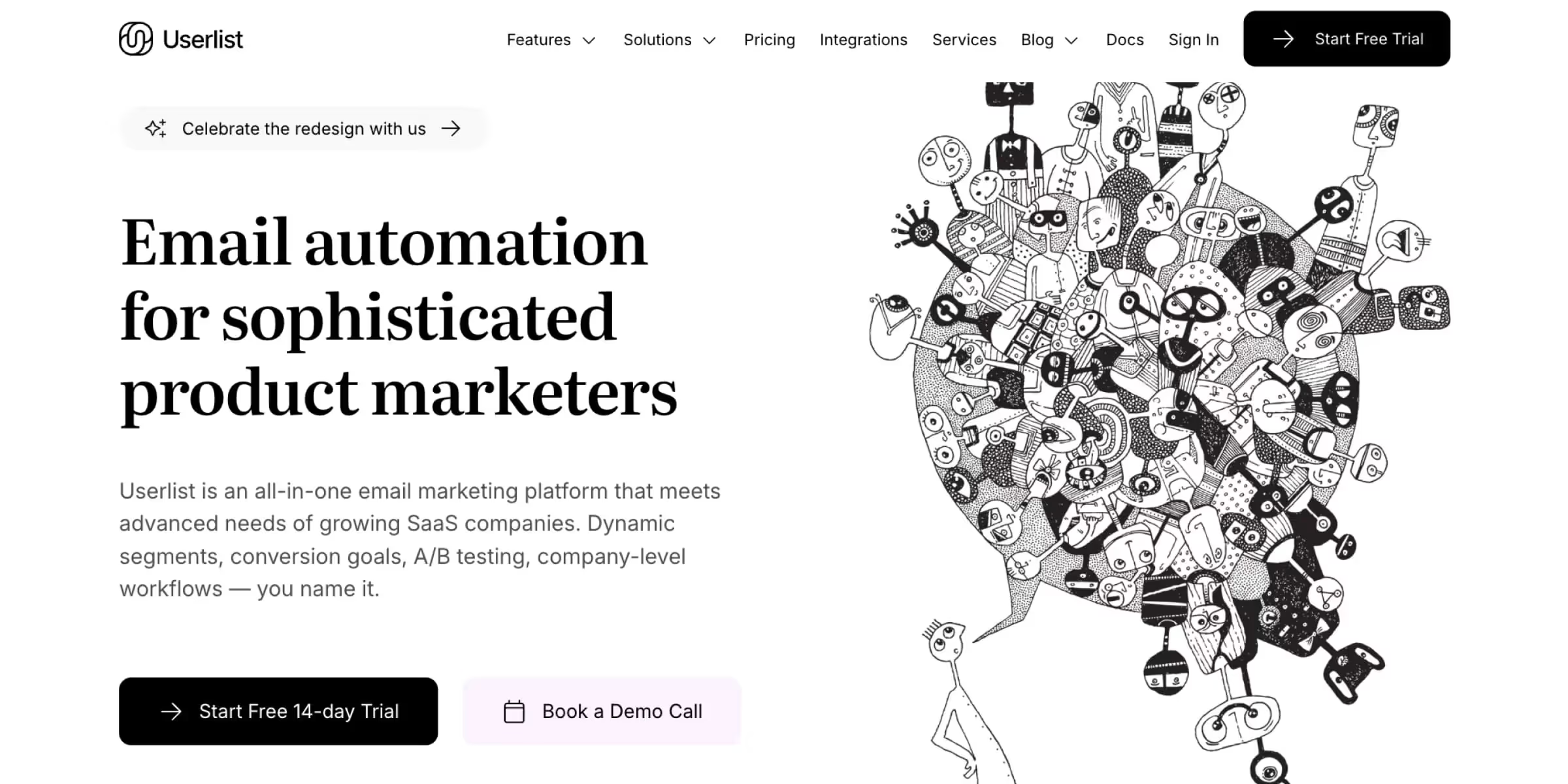
Userlist tracks companies rather than individuals, built for B2B SaaS with product-led growth and sales-assisted conversion, useful when several people from one account are evaluating your product.
Best for:
B2B SaaS with multi-stakeholder buying committees
Our take:
A genuine differentiator for account-based journeys, and easier to implement than Intercom for behavior-based email. We've seen this approach cut sales cycle length by 20-30% on accounts with more than one champion.
Pros:
- Company-level (account-based) tracking, not just individual contacts
- Event-based automation triggered by real product behavior
- API access included on every plan, including the starting tier
Cons:
- No flat starting price published; you have to use a slider to estimate cost, which makes budgeting annoying
- Roughly $100+/month is realistic for smaller accounts, high relative to Encharge or Drip at similar volume
- No native CRM
Pricing and fit:
Basic plan covers up to 10,000 users with additional users billed at $10/month per 1,000. Choose Userlist if several people from the same company interact with your product before a deal closes or an account expands.
[fs-toc-omit]3. ActiveCampaign: Powerful Marketing Automation for Lead Generation and Sales Alignment
.avif)
Most SaaS marketers dismiss ActiveCampaign as "just email for agencies", but its CRM and automation combo scores leads across email, web, and product usage, then automatically creates a deal for sales once a threshold is hit.
Best for:
SMB and growth-stage SaaS with sales-assisted conversion
Our take:
Rated highly on G2 across a large volume of reviews. We implemented this for a $2M ARR SaaS client, and their close rate improved by 31% in the first quarter. One change worth flagging for 2026: ActiveCampaign has moved toward a build-your-own-plan pricing model that hides the sticker price until you specify your contact volume, so the days of a clean "$29/month" headline are mostly gone, even though small lists still land near there.
Pros:
- Visual, tag-based automation builder with if/else branching
- Native CRM with deal pipelines shared between sales and marketing
- Lead scoring that blends engagement, behavior, and product usage signals
Cons:
- Pricing increases with list size, and the platform now charges for inactive and unsubscribed contacts
- Steep learning curve for advanced automations
- Pricing transparency has gotten worse, not better, since last year
Pricing and fit:
Realistically starts near $29-49/month for small contact lists, though quote-based beyond that. Choose ActiveCampaign if you need one system to nurture leads, score engagement, and move qualified opportunities automatically into a sales process.
[fs-toc-omit]4. Drip: The Affordable Marketing Automation for Bootstrapped Companies
.avif)
Drip got pigeonholed as "e-commerce only," then quietly built real SaaS capability, send custom events from your app via API and trigger automation off them, starting around $39/month.
Best for:
Bootstrapped SaaS and smaller teams with technical event tracking
Our take:
Automation depth reviewers say rivals pricier tools, and unlike most of this list, its pricing hasn't shifted much in the last year, which is its own kind of reliability. We helped a pre-seed SaaS client build their growth engine on Drip for under $100/month, and they kept it through their Series A.
Pros:
- Advanced if/else conditional logic in the visual workflow builder
- Lead scoring and RFM-style segmentation
- Custom event API for triggering flows from any app, not just e-commerce
- Flat, predictable pricing that scales with subscriber count rather than a menu of add-ons
Cons:
- No permanent free plan
- Live chat support restricted to accounts above 5,000 contacts
- Feature set is intentionally uniform across tiers, so power users may hit a ceiling sooner than on Customer.io
Pricing and fit:
From $39/month for up to 2,500 subscribers, 14-day free trial, no credit card required. Choose Drip if you need more automation depth than a basic email platform but aren't ready for the cost or complexity of Customer.io.
[fs-toc-omit]5. Omnisend: BestTools for Email Campaigns and Personalization
.avif)
Omnisend got pigeonholed as ecommerce-only, then became a solid fit for product-led SaaS, combining email, SMS, and web push in one builder, with a genuinely permanent free tier.
Best for:
Smaller SaaS teams with straightforward multi-channel messaging needs
Our take:
We built an onboarding sequence with 14 paths by role, company size, and feature use. Result: a 56% lift in feature adoption and a 31% lift in trial-to-paid conversion. The pricing structure has gotten more granular since last year, with entry tiers now priced closer to $11/month depending on contact count rather than the flat $16 quoted in older reviews, worth checking against your own list size before you assume the sticker price. Teams increasingly layer in AI tools for email marketing to personalize at scale.
Pros:
- Permanent free plan for up to 250 contacts and 500 monthly emails
- Email, SMS, and web push from one automation builder
- Native Shopify, WooCommerce, and WordPress integrations
Cons:
- Automation branching is less granular than Drip's for complex, multi-condition workflows
- Pricing tiers are now split by both contacts and email volume, which takes a minute to parse correctly
- Built for ecommerce first, so some SaaS-specific event triggers require more manual setup than on Encharge
Pricing and fit:
Free up to 250 contacts; paid plans from roughly $11/month at low contact counts, scaling with list size. Choose Omnisend if your priority is affordable multi-channel communication rather than sophisticated product-event automation.
[fs-toc-omit]6. Customer.io: Robust Software for SaaS Businesses with Complex Funnels
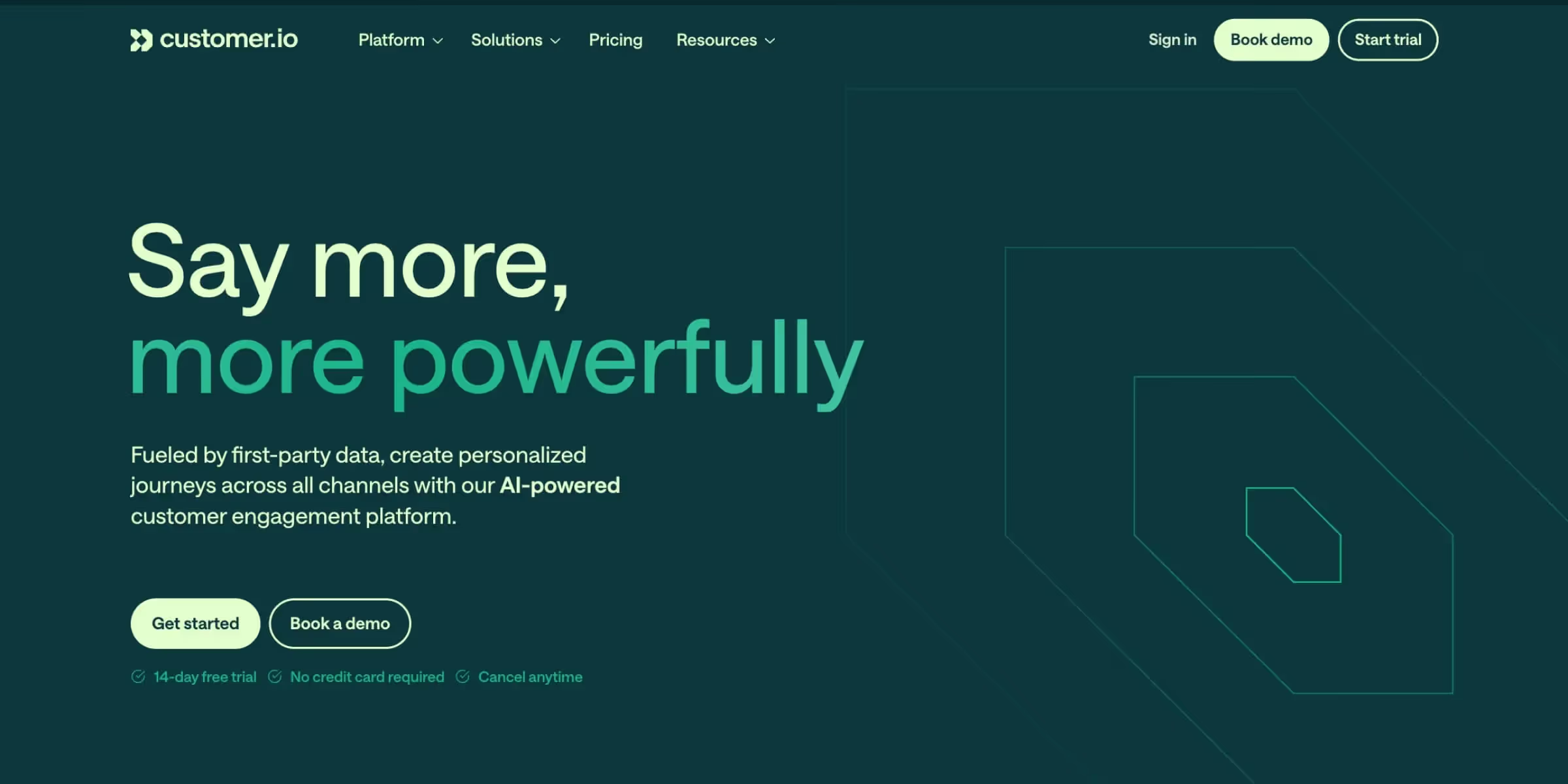
Customer.io is what you graduate to once you've outgrown simpler tools but don't want enterprise complexity, purpose-built for SaaS companies with complex, product-led user journeys.
Best for:
Growth-stage SaaS and product-led companies with complex lifecycle journeys
Our take:
A built-in customer data layer removes the need for a separate CDP. We used Customer.io to cut a client's monthly churn from 8-10% to 4-5% in four months, worth about $300K annually for a $2M ARR company. ProfitWell (now part of Paddle) and Bain's retention research both show a five-point retention gain can meaningfully lift profits, and this platform makes that kind of retention-focused automation practical.
Pros:
- Event-driven workflows built on real-time product and behavioral data
- Multi-channel messaging (email, SMS, push, in-app) from one workflow builder
- Built-in customer data layer, cutting the need for a separate CDP
Cons:
- Steep learning curve for teams new to behavioral email
- Big jump past entry tier: Essentials starts at $100/month, Premium at $1,000/month
- Better support is a Premium-only perk, pushing you toward the upgrade sooner than you'd like
Pricing and fit:
From $100/month for Essentials (5,000 profiles, 1M emails/month). Early-stage companies that have raised under $10 million may qualify for 12 months free. Choose Customer.io if your customer journey can't be captured in a few linear email sequences and you already have reliable product-event data.
[fs-toc-omit]7. Autopilot (Ortto): Best Automation for Early-Stage SaaS Companies
.avif)
Now operating as Ortto, this platform combines a visual journey builder with a native customer data layer, sophisticated enough to be useful, simple enough for non-technical marketers.
Best for:
SaaS teams that want automation and unified customer data in one system
Our take:
A native CDP removes the need for a separate Segment or data warehouse. We migrated an early-stage SaaS client off three disconnected tools onto Ortto's single canvas. Result: a 35% drop in tool spend and a cleaner attribution picture. Pricing actually got a little friendlier this year: the Starter tier dropped from $199 to $169/month (billed annually), though the 10,000-contact minimum hasn't moved, so it's still not the cheapest way to start small.
Pros:
- Visual, drag-and-drop journey builder that doubles as a live map of the customer funnel
- Built-in customer data platform, unifying email, SMS, in-app messaging, and web push in one canvas
- AI-assisted send-time and subject-line predictions layered directly into campaign creation
Cons:
- No permanent free plan, and pricing jumps sharply past the entry tier (Professional runs $509/month at the same 10,000-contact volume)
- The 10,000-contact minimum applies even if your actual list is much smaller, so very early-stage teams overpay relative to list size
- Enterprise tier requires a sales conversation rather than published pricing
Pricing and fit:
From $169/month (billed annually) for the Starter plan at 10,000 contacts, scaling to $509/month at Professional. Choose Ortto if you want to manage customer data and lifecycle journeys in one visual environment without adding a separate CDP.
How to Choose a Marketing Automation Platform for SaaS
Choosing between marketing automation solutions isn't about finding the tool with the most features; it's about matching the platform to your stage, your data, and the team that will operate it day to day. Choosing well upfront saves months of migration pain later.
Key questions to ask before signing up:
- Team capability. Can your team use this without a dedicated admin or outside consultant?
- Current vs. future needs. Does it solve today's problems, or are you paying for features you won't touch for two more years?
- Integration requirements. Does it connect natively to your product, CRM, and analytics stack, or will you be stitching things together with Zapier from day one?
- Budget reality. What's the total cost once you include setup, onboarding fees, and any required consulting, not just the sticker price?
Forrester's research on marketing technology adoption has consistently found that successful rollouts depend more on strategic alignment and team capability than on raw feature count. A platform your team can't operate confidently within a few weeks becomes shelfware, no matter how powerful it looks on paper.
Product Data Integration: The Non-Negotiable for SaaS
If a platform can't ingest events from your product via API, Segment, or a native webhook, you're stuck automating around email opens and page visits, бneither of which says much about real product value. This is the single most important requirement for any SaaS marketing automation solution, worth confirming with a technical walkthrough, not just a sales demo, and true for virtually all marketing automation solutions on the market today. Confirming this information early prevents costly platform switches later.
Teams that have already mapped their user acquisition channels move faster here, since they already have the information on which behavioral signals correlate with a real purchase decision.
Pricing Models That Actually Make Sense at Your Stage
Early-stage SaaS companies are almost always better served by contact-based or profile-based pricing that stays cheap while the list is small. Buying tomorrow's enterprise tier today, before you have the volume or team to use it, is the most common overspend we see when SaaS companies compare marketing automation solutions on features alone rather than fit.
As a rough guide: early-stage teams can run a solid setup for under $150/month on Encharge, Drip, or Omnisend. Series A and later companies should plan for $400–$900+/month as contact volume and multi-channel needs grow.
How to Connect Marketing Automation with Your Paid Acquisition Stack
A marketing automation platform that never talks to your paid media stack is only doing half its job.
- Passing UTM data into your CRM and automation flows. Most friction isn't between marketing and sales teams, it's between marketing and sales systems. Routing qualified leads straight to Slack cut our follow-up time from 18 hours to under 2 and lifted close rates by 22%, the kind of speed you get when a SaaS PPC agency and your automation stack share the same data.
- Using behavioral segments for retargeting. Push behavioral segments into Google Ads and Meta as custom audiences instead of targeting generic site visitors, a trial user who explored a premium feature but didn't convert is a far more valuable audience.
- Measuring CAC across multiple touchpoints. Last-click reporting hides most of the real journey. Pair your automation platform's event data with multi-touch attribution and a documented B2B SaaS content strategy for a more honest CAC number.
Final Recommendation
For most SaaS teams, ActiveCampaign is still the strongest default: CRM and automation in one system, priced for a Series A budget without an ops hire, even as pricing gets less transparent. Early-stage teams should start with Encharge, though entry pricing now runs $79-99/month rather than the $49 you might remember. Multi-stakeholder buying committees should look at Userlist first.
These are our top picks for 2026, but the right choice still depends on your stage and data maturity, something no listicle judges as well as a walkthrough of your own product data.
Choosing well means being honest about what needs automating now versus what you're paying for on the promise of scale, the gap that sends most SaaS teams to the wrong platform. A free PPC audit from Aimers will show you whether your funnel is feeding that automation with leads worth automating around.
FAQs
Early-stage SaaS companies can run a solid setup for under $150/month on tools like Encharge, Drip, or Omnisend. Series A and later companies should budget $400–$900+/month, since pricing scales with contact and profile count. Enterprise teams running Marketo or HubSpot Professional should expect five-figure monthly costs once implementation and admin staffing are factored in.

A basic setup with core automation flows can go live in one to two weeks. A full implementation, including product data integration, lead scoring, and multi-path onboarding, typically takes four to eight weeks, depending on engineering support.
Optimization is the right move when the existing platform can already ingest product usage data and the team simply hasn't built the workflows yet. Switching platforms is necessary only when the current tool structurally cannot accept event data, since no amount of workflow building fixes a missing data connection.
Marketing automation platforms integrate with a company's CRM, product analytics, and ad platforms through native connections that sync customer data automatically in both directions. A requirement for middleware tools like Zapier signals weaker native integration, worth noting during evaluation but not necessarily disqualifying, since the integration information is usually available before signup. Aimers recommends confirming a platform's published integration list before signing a contract, since the strongest platforms make this public.
Email marketing tools send messages to a list on a schedule set manually by a marketer. Marketing automation platforms trigger messages, in-app content, and CRM actions automatically and continuously based on user behavior and product data, without requiring a person to initiate each send. This distinction is why generic marketing automation solutions often disappoint SaaS companies expecting product-event triggers out of the box.
.png)