

20 Best PPC Tools for Management and Automation

September 25, 2026

The best PPC tools for SaaS in 2026 are Google Keyword Planner and Semrush for keyword research, GA4 and Dreamdata for attribution, Optmyzr and Adalysis for management and audits, and the LinkedIn Ad Library for competitor research.
As a B2B SaaS performance marketing agency and Google Premier Partner, we compared 20 tools, from long-standing market leaders to newer AI-driven platforms. We scored each one on job fit, platform coverage, pricing, pipeline visibility and product momentum. Every entry includes 2026 pricing, pros and cons, and SaaS fit.
Quick picks:
- Best free keyword tool: Google Keyword Planner
- Best on a budget: SpyFu
- Best for simple Google Ads optimization: Opteo
- Best for multi-channel reporting: Supermetrics
- Best for B2B creative research: LinkedIn Ad Library
How to Choose a PPC Tool for SaaS: 6 Criteria We Used
Aimers runs paid search and paid social for B2B SaaS and tech companies. We judged every tool on the same criteria we use at the start of a PPC audit, and you can use them to pick your own stack:
- Job fit. Does the tool solve your real bottleneck? Can't tell which campaigns produce SQLs? Buy attribution first. Can't keep up with the account? Buy management software. Entering a new category? Start with research tools.
- Platform coverage. Google Ads is table stakes. Opteo covers Google only, Adalysis adds Microsoft, and Adzooma adds Meta. Few management tools support LinkedIn, even though it's often a big share of B2B budgets. Optmyzr is one of the few.
- Pricing model. Pricing can scale with ad spend, accounts, data destinations, conversions or seats. A $129 tool can cost several times that after a strong quarter.
- Pipeline visibility. Can the data reach past the form fill to MQLs, SQLs and revenue? If your tracking stops at the demo form, get your analytics and tracking setup right before you buy automation.
- Momentum and AI. Is the product actively developed in 2026, or coasting after an acquisition? Many tools now let AI assistants read live ad data. That's useful for quick questions, but keep a human approving changes.
- Ownership. A tool nobody opens is the most expensive one in your stack. If nobody in-house owns paid search, a SaaS PPC agency that brings its own tool stack can cost less than licensing four tools.
Tools are grouped by job. The numbering is not a quality ranking. Prices change often, so confirm them before you buy.
PPC Tools Comparison Table
Best PPC Tools for Keyword Research
Keyword tools decide what you bid on. For SaaS, the job is less about finding volume and more about finding intent: 'software', 'pricing', 'alternative', 'vs' and problem-aware queries.
1. Google Keyword Planner (Free)
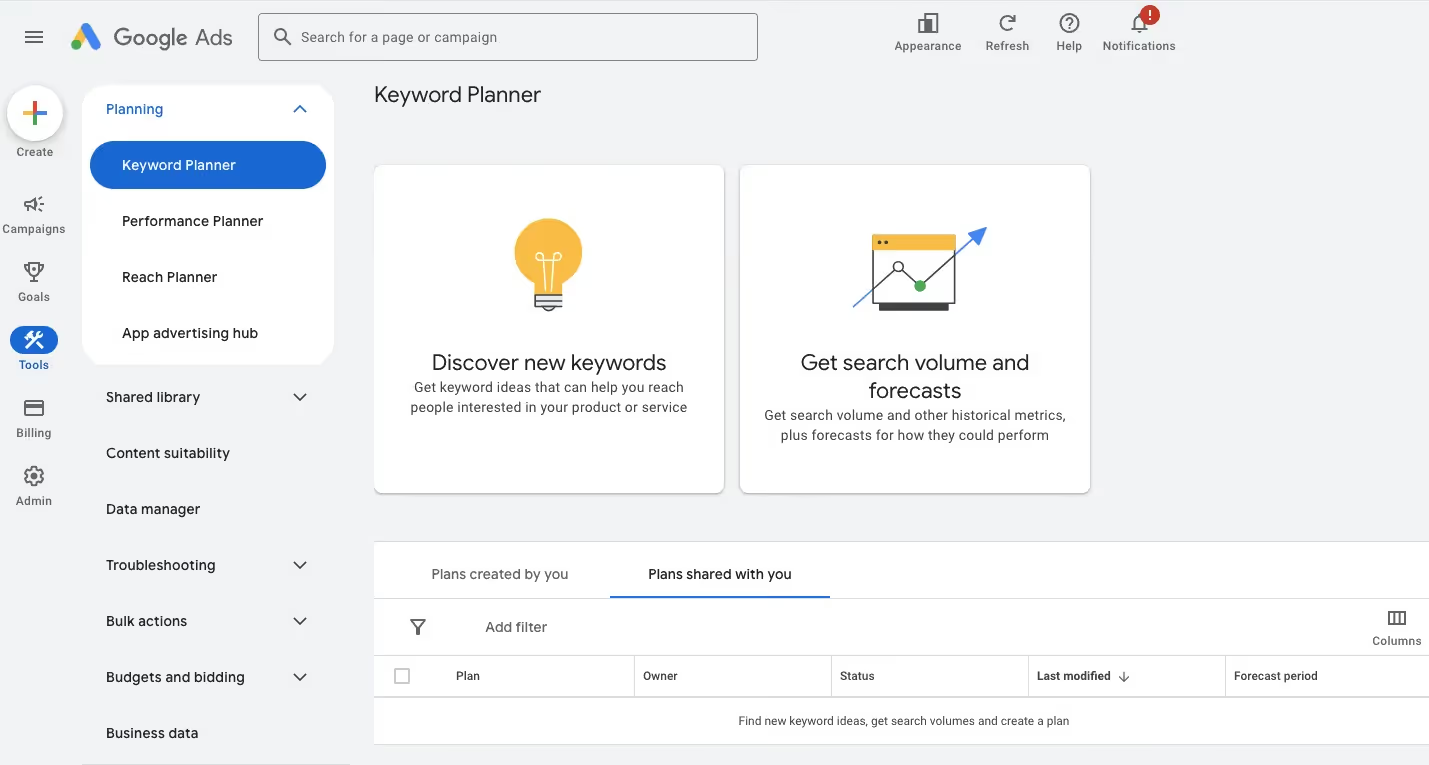
Google Keyword Planner is Google's free keyword research tool inside Google Ads. It shows search volume, bid ranges and click forecasts, so you can size demand and budget before launch.
Keyword Planner is still the first stop for any new campaign because the numbers come straight from Google. You get keyword ideas, search volume, top-of-page bid ranges and a forecast of clicks and cost at a given budget.
Best for
Sizing keyword demand and bid ranges using Google's own data.
Pricing
Free (needs a Google Ads account).
Pros
- Free, first-party data from the platform you'll actually bid on
- Forecasts tie keyword lists to a realistic budget
Cons
- Low-spend accounts see broad volume ranges instead of exact numbers
- No competitor data at all
Best for SaaS:
Use it to size your category and competitor terms. Expect small numbers for niche B2B keywords. That's normal, and a keyword with 50 searches a month can still be your best source of SQLs.
2. Semrush (Paid, Free Trial Available)
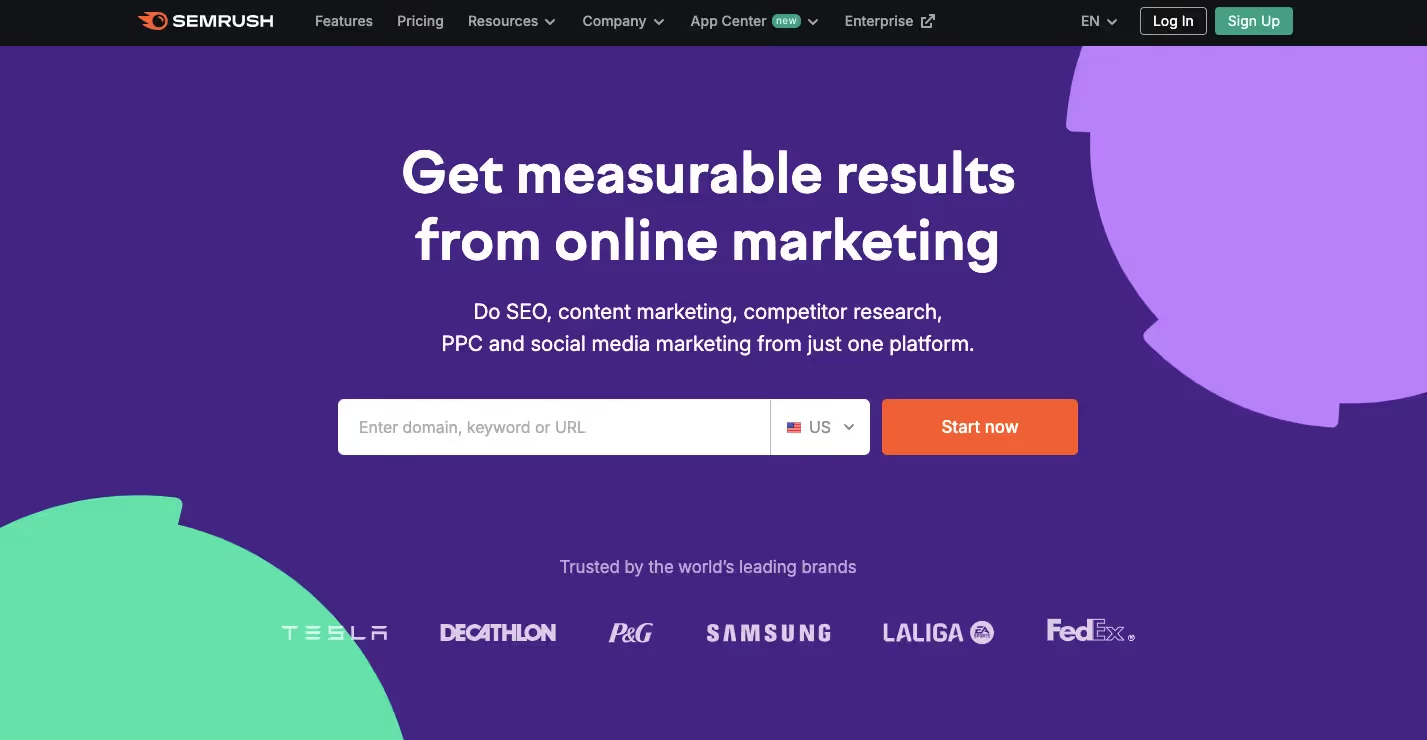
Semrush is an all-in-one marketing suite whose Advertising Research reveals competitors' paid keywords, ad copy and estimated spend, alongside SEO, content and AI search visibility tools.
Semrush's Advertising Research shows which keywords a competitor bids on, the ads they run and a modeled estimate of their traffic and spend. It also covers SEO, content and AI search visibility, so one license often serves several teams.
Best for
Competitive paid search research inside an all-in-one marketing suite.
Pricing
Pro $139.95/mo, Guru $249.95/mo, Business $499.95/mo; limited free plan.
Pros
- Deep ad copy and paid keyword history for most markets
- One tool for PPC, SEO and content research
Cons
- Traffic and spend figures are estimates, not real account data
- Extra seats and add-ons push the real cost well above list price
Best for SaaS:
Great for mapping who bids on your brand, on 'alternative' terms and on 'vs' comparisons. Treat spend numbers as directional.
3. SpyFu (Paid, Free Version Available)
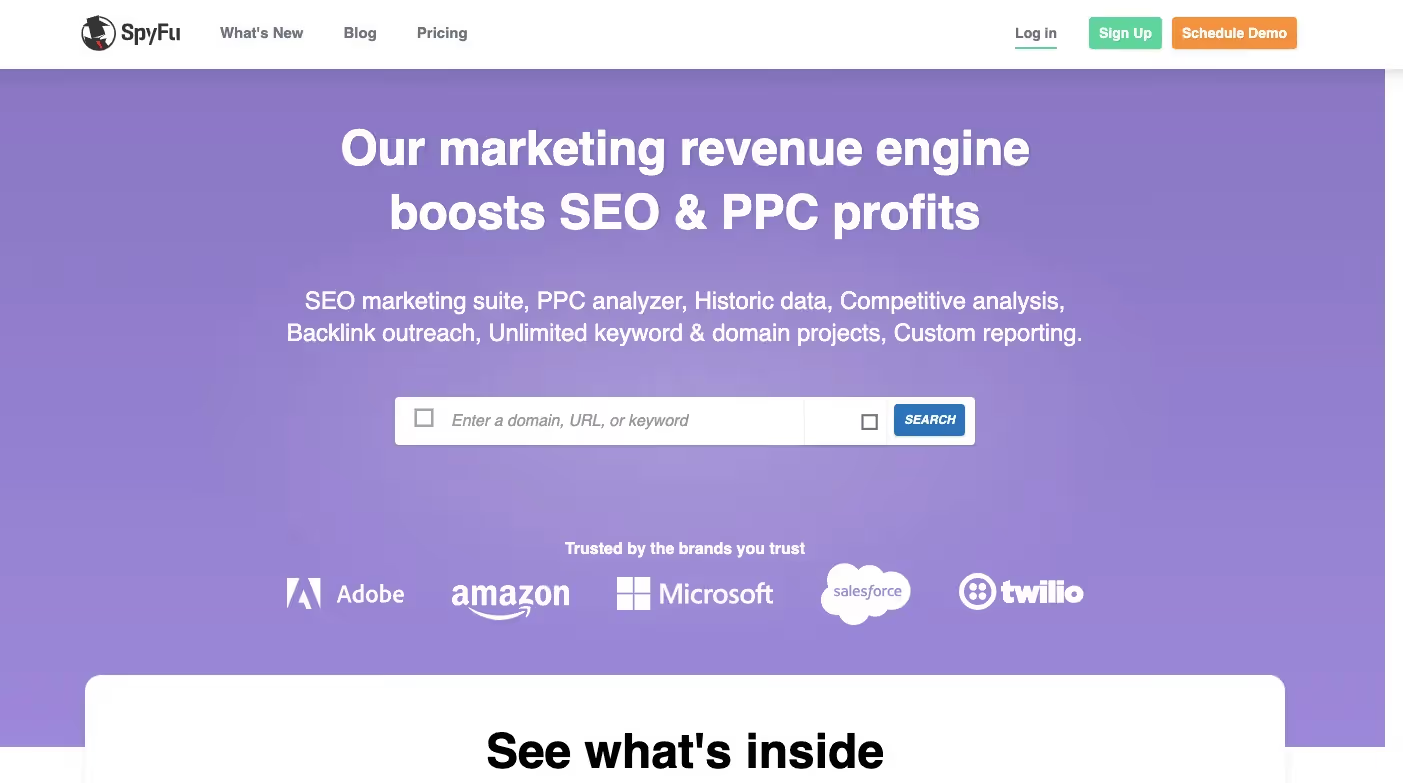
SpyFu is an affordable competitor research tool known for its long ad history. See every keyword and ad variation a domain has bought on Google, and spot the ads that lasted.
SpyFu's strength is history. You can see every ad variation a domain has run and every keyword it has bought, going back years. That makes it easy to spot the ads a competitor kept running, which usually means they worked.
Best for
Seeing how a competitor's Google Ads have changed over months and years.
Pricing
Basic $39/mo, Professional $79/mo; cheaper billed annually.
Pros
- Long ad and keyword history at a low price
- Simple interface that non-specialists can use
Cons
- Data is strongest for the US and UK
- Historical data is locked behind the Professional plan
Best for SaaS:
Filter a competitor's ads to the ones that ran longest. Those headlines tell you which pain points and offers their buyers respond to.
4. Ahrefs (Paid, Free Available)
Ahrefs is an SEO platform with strong keyword data for PPC too. Keywords Explorer shows CPC, clicks and paid versus organic share, helping teams decide where paid search adds value.
It's useful for finding the terms where paid search earns its budget and the ones where organic already does the job.
Best for
Keyword research when your SEO team already lives in the tool.
Pricing
Starter $29/mo, Lite $129/mo, Standard $249/mo; no free trial.
Pros
- One of the largest keyword databases available
- Shows where you already rank organically, so you can trim paid spend
Cons
- Credit limits on Starter and Lite get in the way of heavy research
- Paid ad history is thinner than Semrush or SpyFu
Best for SaaS:
Worth it if SEO already pays for it. Run a paid versus organic overlap check once a quarter and move budget away from terms you win organically.
5. Serpstat (Paid, Free Trial Available)
Serpstat is a budget-friendly SEO and PPC platform covering keyword research, competitor ads, CPC trends and site audits, with API and AI assistant access for bulk research.
It costs less than the big two, and most features are available on every plan. The limits are about volume rather than access.
Best for
Lean teams that need keyword, competitor and PPC data plus an API.
Pricing
From $50/mo (Individual) to $410/mo (Agency); 7-day trial.
Pros
- Full feature set on nearly every plan
- API and AI assistant connections for bulk research
Cons
- Thinner data for English-language markets than Semrush or Ahrefs
- Daily query limits fill up fast on the Individual plan
Best for SaaS:
A practical option for agencies or growth teams that run keyword research in bulk through the API.
Best PPC Tracking & Analytics Tools
6. Google Analytics 4 (GA4) (Free)
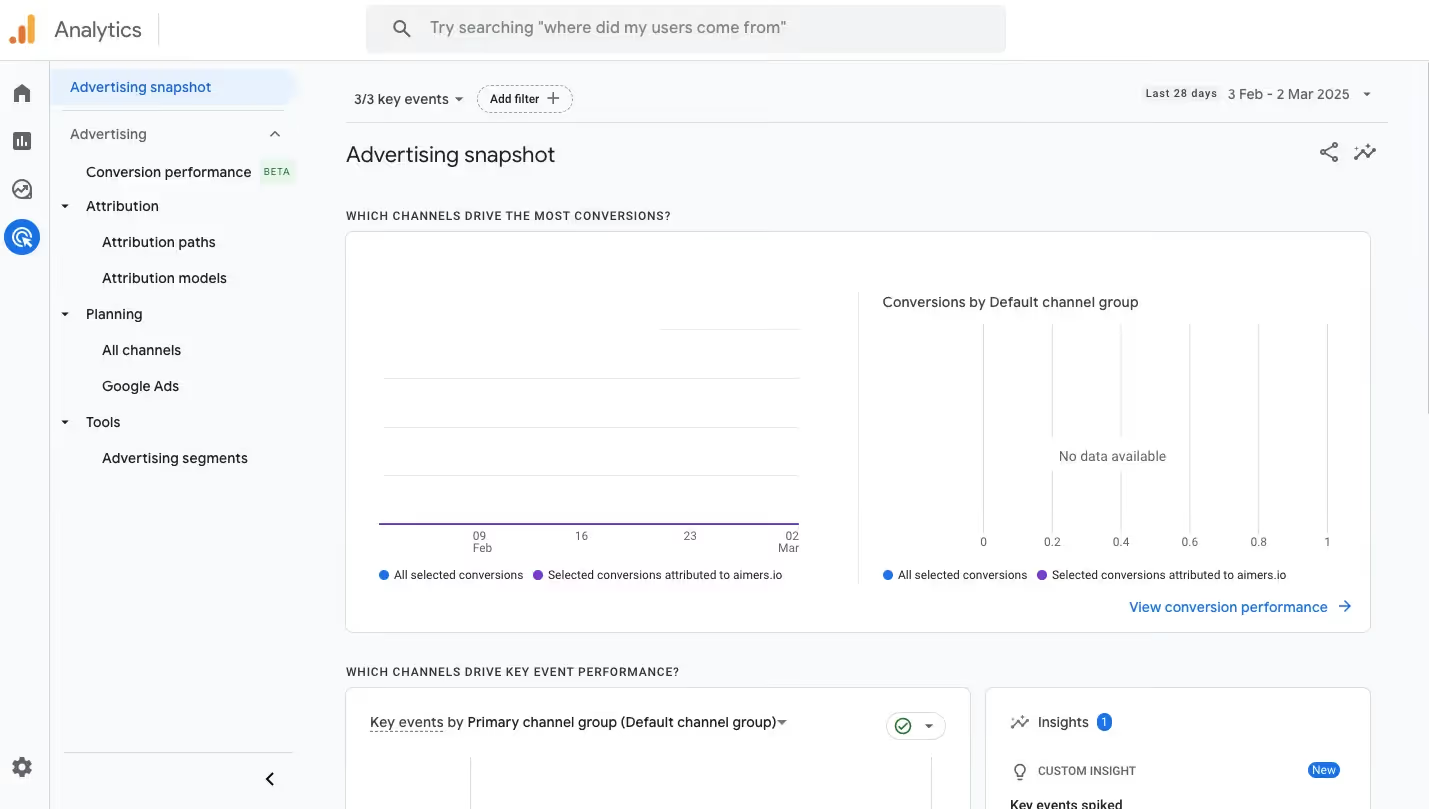
Google Analytics 4 is Google's free analytics platform for tracking on-site behavior and conversions. It links natively to Google Ads for conversion imports, remarketing audiences and channel comparisons.
It's the baseline every paid program needs.
Best for
Tracking what paid visitors do on your site and sharing conversions with Google Ads.
Pricing
Free; Google Analytics 360 is enterprise-priced.
Pros
- Free, with a native Google Ads integration
- Event-based model handles trials, signups and in-app actions well
Cons
- Weak at long B2B cycles where revenue lands weeks later in the CRM
- Data thresholds and consent gaps hide part of the picture
Best for SaaS:
Necessary, but not enough. Use GA4 for on-site events, then push CRM stages (MQL, SQL, opportunity) back into Google Ads through offline conversion imports. We go deeper on this in our guide to B2B marketing analytics for SaaS.
7. SE Ranking (Paid, Free Trial Available)
SE Ranking is a keyword research platform offering volume, difficulty, intent and CPC data, rank tracking and AI search visibility monitoring, now sold on simplified Core and Growth plans.
In late 2025 it replaced its old Essential, Pro and Business tiers with Core and Growth plans, and it now tracks brand visibility in AI search answers alongside classic rankings.
Best for
Keyword research with rank tracking and AI visibility in one place.
Pricing
Core $129/mo, or $103.20/mo billed annually; Growth $279/mo; 14-day trial.
Pros
- Covers most core keyword work for less than Semrush
- AI search visibility tracking alongside classic rankings
Cons
- Smaller keyword and backlink databases than the market leaders
- API access only on the Growth plan
Best for SaaS:
A sensible pick if you want paid keyword research and GEO tracking under one login without paying for two premium suites.
8. Appsflyer (Paid, Free Trial Available)

AppsFlyer is a leading mobile attribution platform that tracks which ads drive app installs and in-app events across hundreds of ad networks, with a free tier and per-conversion pricing.
Pricing is refreshingly transparent: organic installs are free and paid conversions cost a fixed rate on the Growth plan.
Best for
Attribution for mobile apps running paid install campaigns.
Pricing
Free Zero plan; 12,000 free conversions in year one; Growth $0.07 per conversion.
Pros
- The widest set of ad network integrations in mobile
- Clear per-conversion pricing on Growth
Cons
- Costs grow linearly with install volume
- Fraud protection and audience tools are paid add-ons
Best for SaaS:
Only relevant if your product has a mobile app and you pay for installs. For web-first B2B SaaS, skip it.
Best PPC Management Software for Automation
9. Optmyzr (Paid, Free Trial Available)
Optmyzr is a PPC management platform built around a flexible Rule Engine, scripts and root-cause analysis, helping teams automate bids, budgets and keywords across search and social accounts.
It was co-founded by Google's former AdWords evangelist, and it shows. The Rule Engine lets you build your own if-then automations, PPC Investigator explains performance swings, and Sidekick adds an AI assistant on top. It covers Google and Microsoft Ads, with Amazon, Meta and LinkedIn tools included.
Best for
Automating bid, budget and keyword work at scale.
Pricing
From about $209/mo billed annually, scales with ad spend; free trial.
Pros
- Rule Engine and scripts give fine control over automation
- Strong root-cause analysis for sudden performance changes
Cons
- Steep learning curve for new users
- Price rises as managed ad spend grows
Best for SaaS:
Earns its fee in large search programs. Example: a rule that flags keywords spending above target CPA without producing a single qualified conversion in 30 days.
10. WordStream (Paid, Free Version Available)

WordStream is a Google and Facebook Ads management platform from LocaliQ. It reviews your accounts and suggests optimizations aimed at cutting wasted spend and lifting conversions, with Google and Meta campaigns managed from one dashboard.
Best for
Managing Google and Facebook Ads in one place.
Pricing
Paid plans with a free version available.
Pros
- One dashboard for both Google and Meta campaigns
- Clear optimization suggestions that flag wasted spend
Cons
- Recommendations are fairly generic and can miss B2B context
- Limited reach beyond Google and Meta (no LinkedIn-first workflows)
Best for SaaS:
Useful for small teams that run Google and Meta and lack a dedicated PPC specialist. Teams with complex B2B funnels will usually get more from native platform tools plus a manual audit process.
11. AdZooma (Free & Paid Plans)

Adzooma is a PPC monitoring platform with a genuinely free plan. It scans Google, Microsoft and Meta accounts, surfaces optimization opportunities and applies simple fixes in one click.
The free plan is permanent and allows unlimited ad accounts. Paid plans mainly buy more frequent scans, more alerts and more seats.
Best for
A free, quick scan of Google, Microsoft and Meta accounts.
Pricing
Free plan; Silver $69/mo, Gold $179/mo.
Pros
- A genuinely free plan with unlimited accounts
- Covers Google, Microsoft and Meta in one view
Cons
- Recommendations are shallower than Optmyzr, Opteo or Adalysis
- No LinkedIn support
Best for SaaS:
A no-cost second opinion for early-stage teams. You'll outgrow it once spend, channels and funnel complexity grow.
12. Marin Software (Paid, Free Trial Available)

Marin Software is a cross-channel ad management platform for search, social and commerce campaigns. It connects Google, Bing, Facebook and Amazon Ads, so you can manage bids, budgets and reporting for all of them from one dashboard.
Best for
Cross-channel PPC management and bid optimization.
Pricing
Paid plans with a free trial available.
Pros
- One dashboard and one reporting layer across search, social and marketplace channels
- Automated bid and budget optimization that scales across large accounts
Cons
- Built for enterprise-scale spend, so it can be too heavy for small budgets
- Setup and onboarding take more effort than lighter tools
Best for SaaS:
Fits SaaS teams with sizable multi-channel spend and several people managing accounts. Smaller teams, or those focused on Google Ads and LinkedIn, will usually get more from native platform tools plus a manual audit process.
13. Supermetrics (Paid)

Supermetrics is a marketing data connector that pulls Google, Microsoft, LinkedIn and Meta ad data into Looker Studio, Sheets, Excel, BigQuery and AI assistants for unified reporting.
In 2026 it added AI assistants such as ChatGPT and Claude as destinations, so you can query ad data in plain language.
Best for
Pulling Google, Microsoft, LinkedIn and Meta ad data into one report.
Pricing
Starts at €39/mo (Starter), with Growth at €159/mo and Pro at €399/mo, all billed yearly. Enterprise is custom-quoted.
Pros
- Connectors for every major ad platform, including LinkedIn and Microsoft
- No per-row fees on the standard destinations
Cons
- Each destination is priced separately, so costs stack quickly
- Warehouse destinations need an Enterprise quote
Best for SaaS:
The fastest way to put paid spend from every channel next to pipeline data from your CRM in a single dashboard.
Best PPC Tools for Competitive Research
14. PPC Ad Lab (Paid)
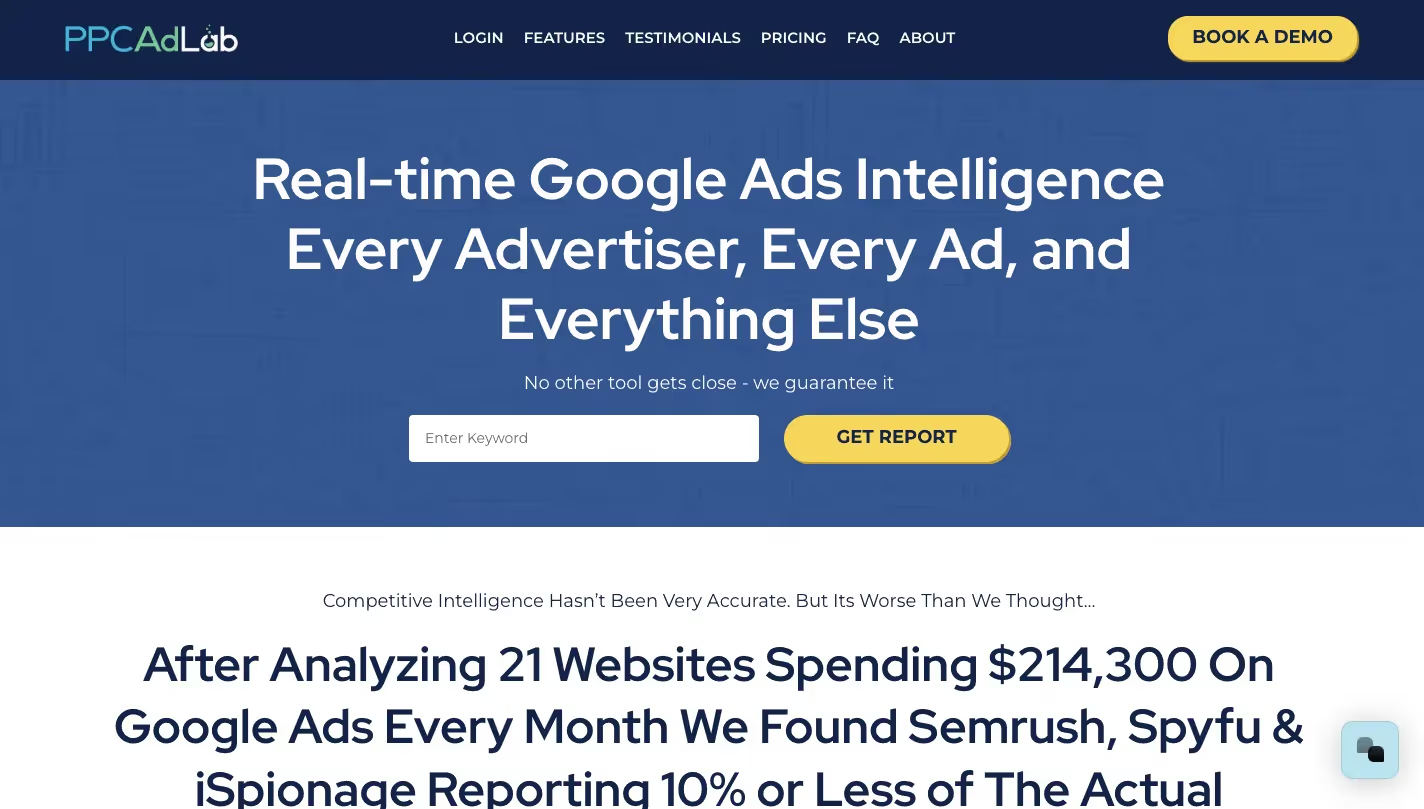
PPC Ad Lab is a Google Ads intelligence tool that runs live market scans by location, showing active advertisers and ad copy across search, Shopping and Local Service Ads.
In 2026 it has leaned into agency prospecting, with contact lookups, cold email automation and an AI SDR.
Best for
Real-time snapshots of who advertises on Google in a given market.
Pricing
From $97/mo; free account with 3,000 search credits.
Pros
- Live data by location rather than a historical database
- Covers ad formats other tools ignore, such as Local Service Ads
Cons
- Now positioned mainly as a prospecting tool for agencies
- Most useful in local markets, less so for national B2B keywords
Best for SaaS:
For in-house SaaS teams, the free ad libraries below usually cover competitor research. PPC Ad Lab makes more sense for agencies selling to local businesses.
15. Google Ad Library (Ads Transparency Center) (Free)
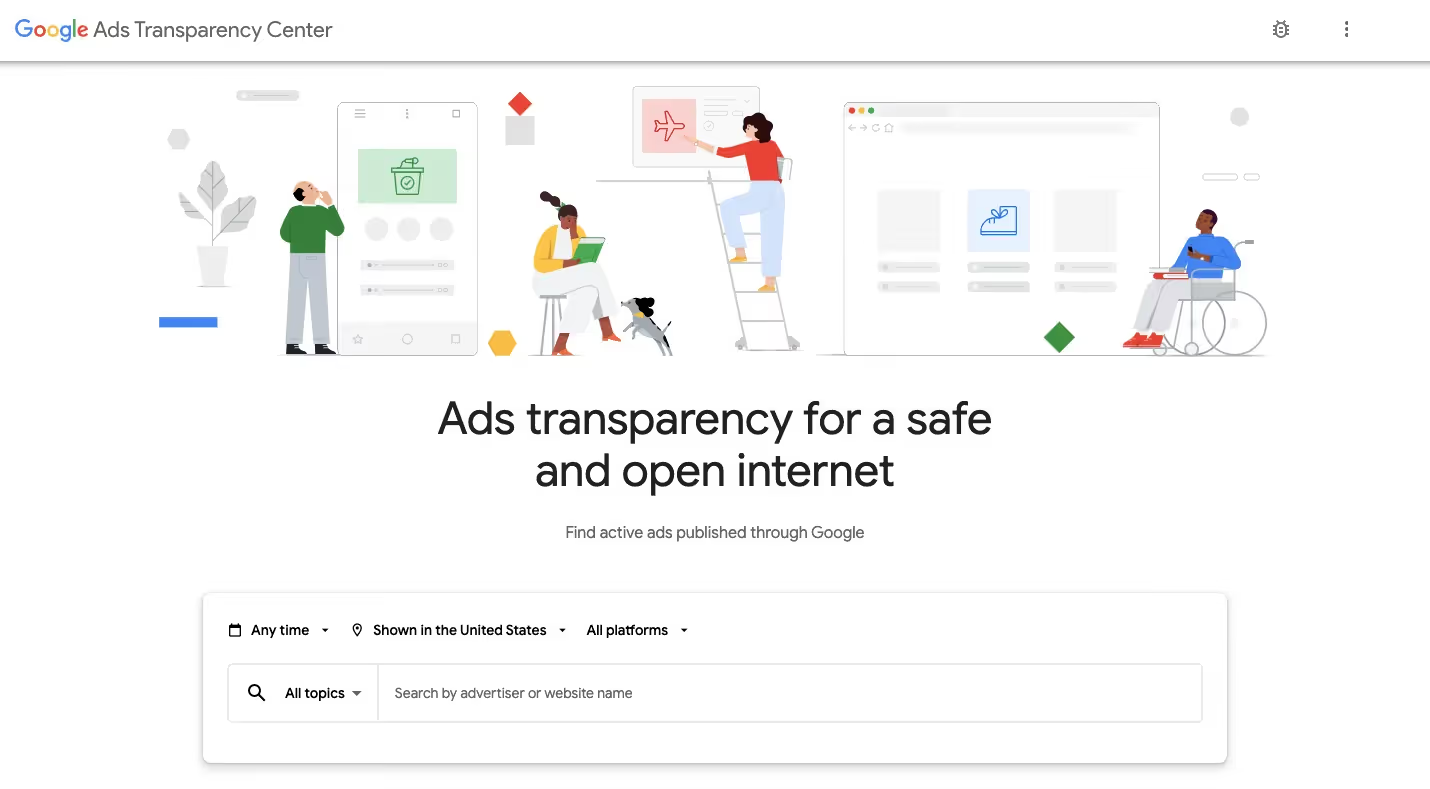
The Google Ads Transparency Center is Google's free, official ad library. Search any verified advertiser and browse their live search, display and YouTube ads by region, format and date.
It shows creative, not performance.
Best for
Seeing every ad a competitor is running on Google right now.
Pricing
Free.
Pros
- Free and official
- Covers search, display and video in one search
Cons
- No keywords, spend or performance data
- Search ads appear as text previews without context
Best for SaaS:
Check it before every messaging refresh. If three competitors lead with 'AI-powered', that's your cue to lead with something else.
16. Meta Ad Library (Free)
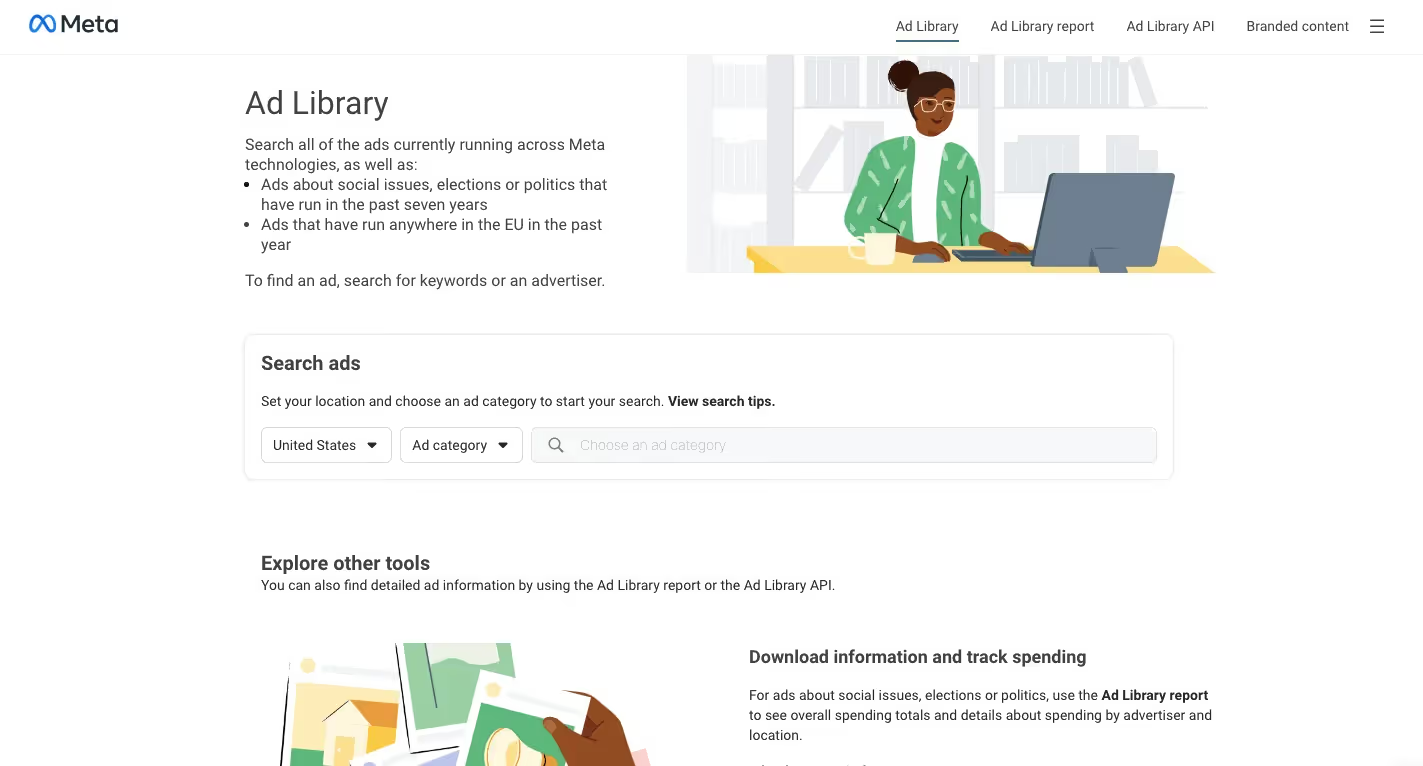
The Meta Ad Library lists every active Facebook and Instagram ad for free. Search by advertiser or keyword, review creative and copy, and use run dates to spot long-running winners.
Spend data is shown only for political and social issue ads. Ads served in the EU also show reach and targeting details.
Best for
Researching creative, copy and offers on Facebook and Instagram.
Pricing
Free.
Pros
- Every active ad, searchable by advertiser or keyword
- Run dates reveal which ads have lasted
Cons
- No performance data for commercial ads
- Hard to search broadly by topic
Best for SaaS:
Long-running ads are the signal. An ad that has stayed live for three months or more is probably earning its budget.
17. LinkedIn Ad Library (Free)
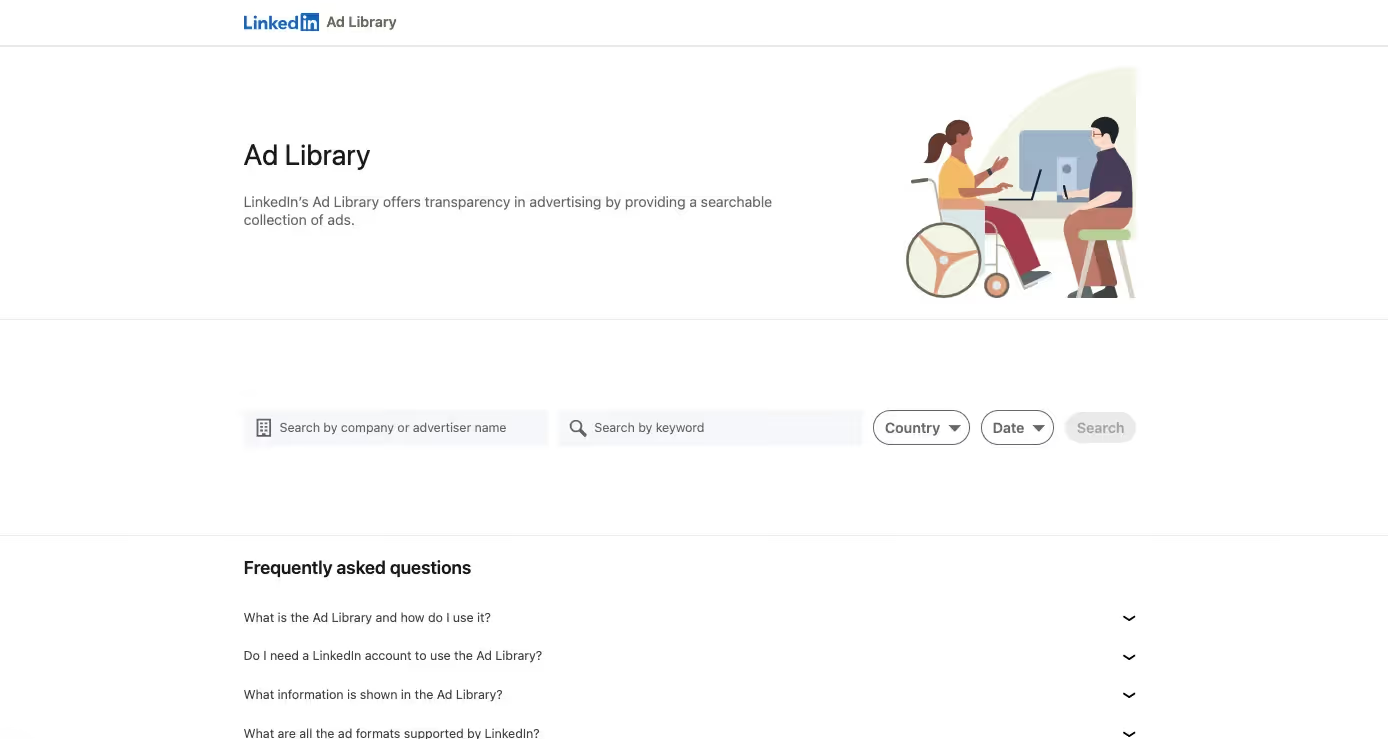
The LinkedIn Ad Library is a free tool for researching B2B competitors. Search by advertiser, keyword, country and date to see ad formats, messaging, offers and landing pages.
That covers most of what you need for positioning work.
Best for
Understanding how B2B competitors advertise on LinkedIn.
Pricing
Free.
Pros
- The most relevant ad library for B2B
- Shows formats like documents, conversation ads and video
Cons
- No spend, targeting or performance data
- Less detail outside the EU
Best for SaaS:
Study the offers, not just the copy. Are competitors pushing demos, benchmark reports or free tools? The answer tells you where the market's funnel starts.
Best PPC Tools for Ad Creatives
18. AdEspresso (Paid, Free Trial Available)
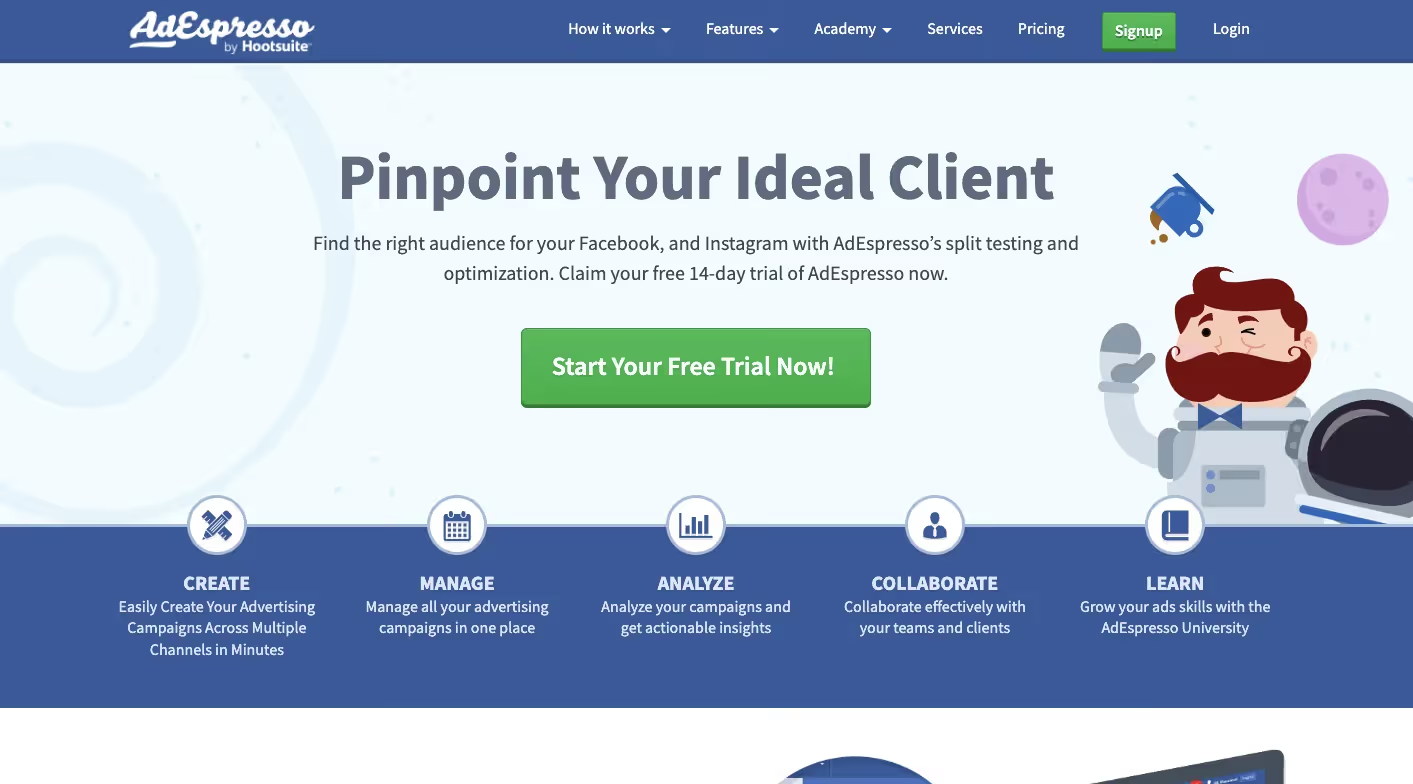
AdEspresso is a Hootsuite-owned tool for creating and split-testing Facebook and Instagram ads. It combines headlines, images and audiences into variations and highlights the winning combinations.
It remains focused on Meta.
Best for
Creating and testing many Meta ad variations quickly.
Pricing
From about $49/mo; higher tiers around $99 and $259/mo.
Pros
- Fast bulk creation of ad variations
- Readable test reporting for non-specialists
Cons
- Mostly limited to Meta platforms
- Fewer major updates since the Hootsuite acquisition
Best for SaaS:
Fine if Meta is a core channel for you. Many B2B teams will get more out of Meta's native experiments plus a disciplined creative process.
19. Canva (Free & Paid Plans)
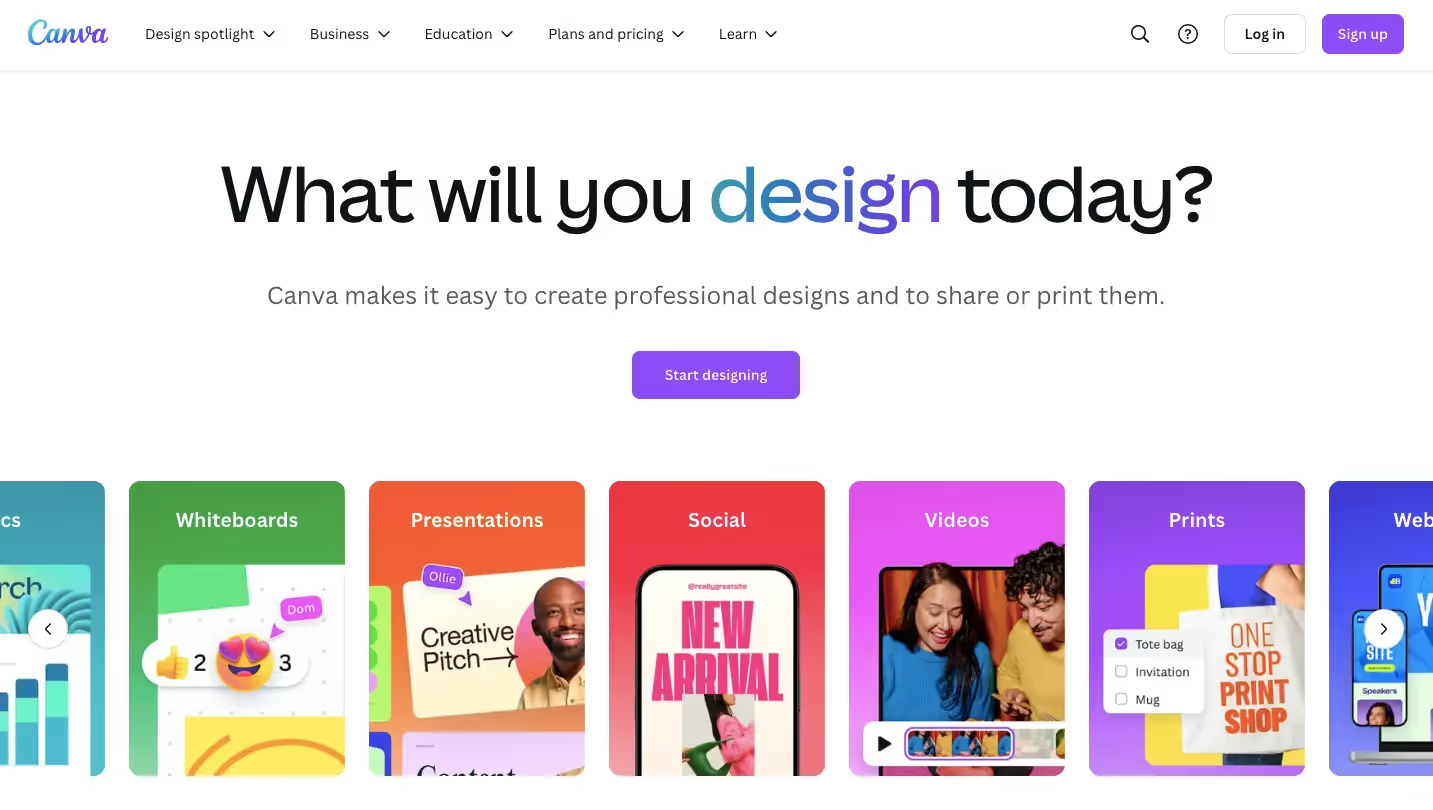
Canva is a drag-and-drop design platform with ad templates for every major placement. Magic Resize and brand kits help teams produce consistent LinkedIn, Meta and display creatives fast.
Best for
Producing and resizing ad visuals without a designer.
Pricing
Free plan; Pro about $180/year; Business $250 per person/year.
Pros
- Templates for every placement plus one-click resizing
- Brand kit keeps team output on-brand
Cons
- Template-heavy designs can look generic
- Per-seat pricing adds up for larger teams
Best for SaaS:
Good for speed of iteration. Set up the brand kit first so every variation looks like your product, not a template.
20. Adalysis (Paid, Free Trial Available)

Adalysis is a PPC management platform for Google and Microsoft Ads combining 100+ automated audit checks, ad testing, RSA asset insights, budget pacing and an MCP server for AI assistants.
Adalysis started as an ad testing tool and grew into a full PPC copilot. It lets you write custom alerts and fix many issues without leaving the platform. The RSA asset manager aggregates headline and description performance, the budget tools forecast spend using seasonality and ad schedules, and there are dedicated views for Performance Max and AI Max. New in 2026 is a Google Ads MCP server that connects live account data to AI assistants like ChatGPT and Claude.
Best for
Keeping Google and Microsoft Ads accounts audited, tested and on budget.
Pricing
From $149/mo, scales with ad spend; unlimited accounts and users; 30-day trial.
Pros
- Deep audit and alert library that you can customize
- Unlimited Google and Microsoft Ads accounts and users on every plan
- Budget pacing with automated daily adjustments
Cons
- No Meta or LinkedIn support
- A lot of tools to learn before you get full value
Best for SaaS:
A strong fit for SaaS teams whose budget lives on search. Pacing alerts matter when a single high-CPC keyword can burn a week of budget overnight, and the RSA asset view makes message testing far faster than working through the Google Ads UI.
Aimers' Take: Which PPC Tools You Actually Need
Tools find problems. People still decide which ones matter, which is why our Google Ads management pairs a lean stack with hands-on strategy. Here's what we'd use at each stage.
Early stage (under $10k/month)
Free tools cover it:
- Keyword research: Google Keyword Planner
- Tracking: GA4 with CRM imports
- Competitor research: the Google, Meta and LinkedIn ad libraries
- Account checks and creatives: Adzooma and Canva
Growth stage ($10k to $50k/month)
- Competitor research: Semrush or SpyFu
- Account hygiene and ad testing: Adalysis
- Reporting: Supermetrics, to see spend and pipeline in one dashboard
Scale stage ($50k+/month)
- Automation: Optmyzr, or Adalysis for budget pacing and custom alerts
- Pipeline reporting: Supermetrics feeding a warehouse, with CRM stages (MQL, SQL, opportunity) imported back into Google Ads
- SEO alignment: Semrush or Ahrefs, shared with your SEO team
For benchmarks, see The State of SaaS PPC in 2026. For bidding, see our guide to Google Ads bidding strategies in 2026.
Choosing tools is the first step. Getting ROI from them takes strategy. At Aimers, we help SaaS and tech companies build paid campaigns that turn clicks into pipeline. Not ready for a call? Start with our free Google Ads checklist for SaaS.
FAQs
Google Keyword Planner, Semrush, Ahrefs, SpyFu, and Serpstat are among the top PPC tools for identifying high-intent keywords, competitor bidding strategies, and search trends.

Optmyzr, WordStream Advisor, AdZooma, and Marin Software are some of the best PPC management software that help with bid optimization, automation, and performance tracking across multiple ad platforms.
Most PPC agencies use a combination of tools like Google Ads Editor, Supermetrics, Optmyzr, Marin Software, PPC Ad Labs, and Meta Ads Library to manage campaigns, track performance, and optimize ad spend.
Google Keyword Planner, Google Ads Library, LinkedIn Ads Library, and Meta Ads Library provide free PPC solutions that help with keyword research, competitor analysis, and ad creative insights.
Start by identifying your biggest PPC challenges. If you need better keyword insights, go for Semrush or Ahrefs. If you want bid automation, try Optmyzr. For competitive research, use Google Ads Library or PPC Ad Labs. Match the tool to your specific PPC needs for the best results.


.avif)

.png)