

20 Best Landing Page Tools & Builders To Boost Conversions

October 7, 2026

The best landing page tool is the one your traffic can support. This 2026 guide compares 20 builders, A/B testing platforms, behavior analytics and user research tools for SaaS teams, with current prices, fit notes and trade-offs. Start with one builder that includes testing and one free analytics tool, then add paid experimentation once your traffic can power a test.
Software will not fix a weak offer. If visitors arrive but do not convert, SaaS conversion rate optimization usually pays back faster than another subscription. Every entry lists the starting price, free plan or trial, best-fit team, pros and cons.
How to Choose Best Landing Page Tools: Criteria That Matter
- Match the tool to your traffic. Visitor caps and test power both depend on monthly visitors.
- Know the sample size first. A page converting at 3% needs about 14,000 visitors per variant to detect a 20% relative lift (95% confidence, 80% power). Below roughly 15,000 monthly visitors, use recordings and message research instead of A/B tests.
- Start free. Microsoft Clarity offers heatmaps and session recordings at no cost.
- Buy testing last. Choose a builder with testing included, and add a paid experimentation platform only when your traffic can power a test.
- Judge pages on mobile. Paid social traffic is often mostly mobile, as it was on the now>press>play page we built, so check page speed and the mobile editor before you commit.
- Check the full cost. Overages, extra seats, annual-only billing and AI credits can change the total. If design and build capacity is the real constraint, landing page design support can close that gap while you choose tools.
- Set realistic timelines. Expect early signals in two to four weeks and validated test results in four to eight.
All 20 Landing Page Tools & Builders at a Glance
Part 1: Landing Page Builders
The builder decides how fast you can launch, how easily you change copy and how cleanly leads reach your CRM, so choose it first and add testing and research tools around it. Once pages are live, study what strong ones do in our roundup of the best SaaS landing pages and examples that convert. Prices below show annual billing first, with monthly billing in brackets.
1. Unbounce

A builder with testing and AI traffic routing built in, aimed at teams that buy paid traffic.
Pricing:
Starter 22(29) for 5 pages and 500 visitors. Build 74(99) for unlimited pages and 20,000 visitors. Experiment 112(149) adds unlimited A/B testing and 30,000 visitors. Optimize 187(249) adds AI traffic optimization and 50,000 visitors. Concierge and Agency plans are custom. 14-day free trial.
Best for:
SaaS teams sending paid traffic to a handful of campaign pages.
Pros:
Testing arrives at Experiment without a separate tool; unlimited pages from Build; an MCP connector lets AI assistants build and manage pages.
Cons:
Build has no A/B testing; visitor caps force plan jumps as campaigns scale; overage fees apply if you pass your limits.
Aimers take:
Price Experiment first: it adds unlimited A/B testing for $38 a month more than Build on annual billing, and its 30,000-visitor cap fits about one well-powered test a month.
2. Leadpages
.png)
A long-running builder, relaunched with unlimited traffic and A/B testing from the Grow plan.
Pricing:
Grow $79 adds manual A/B testing, dynamic text replacement and lead enrichment. Optimize $159 adds Smart Traffic, heatmaps and auto-personalization. Scale $319 Publish-only HTML Pub plans run $8 to $39 and exclude A/B testing. No traffic caps. 7-day free trial.
Best for:
Small teams that want testing without visitor caps.
Pros:
Unlimited pages and traffic; testing from Grow; heatmaps and Smart Traffic routing at Optimize; an MCP server for AI tools.
Cons:
The cheapest plans no longer include testing; the pricing page compares itself with rivals, so verify those claims yourself.
Aimers take:
If your current plan is metered by visitors, run the numbers against Leadpages. A campaign that doubles your traffic adds no cost here.
3. Instapage

A premium builder for ad-heavy teams, with AdMap to connect ads to pages and Global Blocks to update many pages at once.
Pricing:
Create $79 for up to 15,000 visitors. Optimize $159 for 30,000 visitors, or 50,000 on an expanded tier. Convert is custom. 14-day free trial on Create and Optimize, capped at 2,500 visitors.
Best for:
Teams running many pages across campaigns and ad groups.
Pros:
AdMap shows how ads, ad groups and pages connect; Global Blocks update hundreds of pages with one edit; AI content generation and real-time collaboration are built in.
Cons:
Premium pricing with visitor limits; A/B testing starts at Optimize, not Create; enterprise features sit behind a Convert sales quote.
Aimers take:
Instapage earns its price when page count is the problem. With five pages a cheaper builder wins, and with fifty pages Global Blocks save real editing time.
4. Landingi

An AI-first page platform for teams that publish many pages across many domains.
Pricing:
Build $24: 10 pages and 2,000 visits. Optimize $119: 100 pages, 30,000 visits and server-side A/B testing. Scale from $229: unlimited pages, 100,000 to 500,000 visits and client sub-accounts. Enterprise from $1,199. 14-day free trial.
Best for:
Agencies and in-house teams building page volume.
Pros:
400+ templates, a Lunar AI page generator, Solis AI insights and Smart Sections for reuse.
Cons:
AI features use monthly credits (2,500 on Build to 60,000 on Enterprise, with top-ups from $15); testing starts at Optimize; each extra domain costs $5 a month; the 14-day trial caps visits at 200.
Aimers take:
Treat credits like a budget. Estimate how many pages and variants your team generates in a month before you choose a tier.
5. Swipe Pages

A builder known for mobile-optimized AMP pages and low entry pricing.
Pricing:
Startup $29: unlimited pages, 20,000 visits, no A/B testing. Marketer $69 adds A/B testing, 50,000 visits and 5 client subaccounts. Agency $149: 500,000 visits. Overage is $5 per 5,000 visits. 14-day free trial, no card.
Best for:
Mobile-heavy ad campaigns and small agencies on a budget.
Pros:
Low entry price; mobile-optimized AMP pages; A/B testing on the $69 Marketer plan and above.
Cons:
The cheapest plan has no A/B testing; overage fees apply as traffic grows.
Aimers take:
Judge Swipe Pages on its editor, price and the $69 testing tier, not on AMP alone.
6. Webflow

A visual site builder that gives design-led teams full control over layout, CMS and landing pages.
Pricing:
Free Starter plan; Basic from $15 and Premium from $25 a month on annual billing. Webflow Optimize (A/B testing and personalization) starts at $299 a month for 25,000 to 500,000 page views.
Best for:
Design-led SaaS teams that want landing pages and the main site in one system.
Pros:
Fine layout control; a CMS for pages at scale; hosting included.
Cons:
Testing is a paid add-on; site plans are billed per site; the editor asks for more design decisions than a template builder.
Aimers take:
Choose it when landing pages should look and behave like the rest of your site, and budget design time for the extra control.
7. HubSpot Marketing Hub

Landing pages inside a CRM, so forms, contacts and attribution live in one system.
Pricing:
Free tools for up to 2 users. Starter begins at $7 per seat (the page also shows $20, billing term unlabeled). Professional begins at $800 (also shown as $890) with 2,000 contacts and a one-time $3,000 onboarding fee. Enterprise begins at $3,600 with a $7,000 onboarding fee.
Best for:
Teams already running HubSpot CRM that want clean lead handoff.
Pros:
Native forms, contact records and attribution; a free tier to start; page A/B testing is documented under Content Hub Professional and Enterprise.
Cons:
A steep jump from Starter to Professional; contact-based billing; one-time onboarding fees at Professional and Enterprise; the pricing page does not show which Marketing Hub tier covers landing page A/B tests, so confirm before you buy.
Aimers take:
HubSpot does not have to be the builder to earn its place. On the now>press>play project we built the page in Wix and used HubSpot for the lead form and thank-you page to set up ad tracking.
8. Kit (Formerly ConvertKit)

An email list platform with simple landing pages, built for creators and newsletter-first businesses.
Pricing:
Free for up to 10,000 subscribers, with unlimited landing pages and forms. Creator is $33 a month on annual billing; Pro is $66, with a $50 first-year promotion shown.
Best for:
Solo founders, creator-led products and newsletter-driven funnels.
Pros:
A generous free tier; list growth and email sequences in one tool.
Cons:
It is not a conversion testing platform; pricing climbs with list size; it fits poorly with ad programs that need variants and routing.
Aimers take:
Keep Kit if your funnel starts with a newsletter. If your funnel runs from ads to a demo request, Unbounce, Leadpages or Landingi are the better fit.
Part 2: Testing and Experimentation Platforms
Dedicated testing platforms pay off only when you have the traffic to reach a decision. If you are not there yet, start with the free methods in our guide to easy ways to start split testing your landing pages and revisit this section later. For a real example of testing without a dedicated platform, see how we optimized landing pages for Originality.AI with split campaigns inside Google Ads.
9. Wingify

A full experimentation suite, now part of Wingify after VWO combined with AB Tasty.
Pricing:
Quoted through a demo. Web experimentation plans are Growth, Pro and Enterprise. Growth includes unlimited experiments, a visual and code editor and multi-armed bandit campaigns. Pro adds multivariate testing, guardrail metrics and SRM detection. Enterprise adds SSO, API access, self-hosting and 24x7 support.
Best for:
Teams with steady traffic, a testing backlog and an analyst to read results.
Pros:
Statistical safeguards at Pro; testing, behavior analytics and personalization on one platform; data stored in the US, Belgium or India.
Cons:
No public prices; branding and product lines are in transition after the merger.
Aimers take:
Ask for a quote at your own traffic tier early in the sales process, because that is where plans diverge.
10. Convert

A flat-rate experimentation platform that lists SOC 2, ISO 27001, HIPAA and GDPR compliance.
Pricing:
Growth $299 on annual billing($399 monthly) covers 100,000 tested users a month, with overage at $399 per extra 100,000. Pro 420(599 monthly) adds server-side testing, multivariate tests, multi-armed bandit and SSO. Enterprise is quoted. 15-day free trial.
Best for:
Teams that need privacy and compliance credentials and want predictable pricing.
Pros:
Published flat-rate plans; SRM checks; 90+ integrations; lists SOC 2 Type 2, ISO 27001, HIPAA and GDPR compliance.
Cons:
The entry price is a real step up from testing bundled into a builder; cost grows with monthly users.
Aimers take:
Price Convert when legal asks about HIPAA, SOC 2 or GDPR before marketing can launch a test. It answers those questions without an enterprise contract.
11. Optimizely
An enterprise experimentation platform for large, multi-team programs.
Pricing:
Quote only. Optimizely says every plan is individually packaged.
Best for:
Enterprises running experiments across web and product with several teams.
Pros:
Enterprise-scale web experimentation, with feature experimentation available from the same vendor.
Cons:
No public pricing; heavier than most SaaS marketing teams need; plans are custom packaged, so budgeting takes a sales call.
Aimers take:
Most SaaS marketing teams reach for Optimizely too early. Until product and engineering are running tests alongside marketing, a mid-priced platform gives you more tests per dollar.
12. Zoho
A testing and behavior analytics suite with a free tier, and a natural fit for Zoho users.
Pricing:
Forever Free covers up to 5,000 tracked users, 1 project and 5 goals, with analytics, heatmaps, recordings and form analytics. Professional is €12 a month on annual billing at the 10,000-user tier and adds polls, push notifications and pop-ups but no A/B testing. Enterprise is €29.42 a month on annual billing at the same tier and adds A/B, split URL and full-stack testing and personalization. Both paid plans scale up to 1,000,000 tracked users, and the page lists prices in euros. 15-day free trial, no card.
Best for:
Budget-conscious teams, especially those on Zoho CRM, SalesIQ or Marketing Plus.
Pros:
Analytics, heatmaps, recordings and testing in one suite; native Zoho integrations; a free tier with heatmaps and recordings.
Cons:
A/B testing requires the Enterprise plan; integrations favor the Zoho ecosystem; cost rises with tracked users.
Aimers take:
When budget is tight, price it against a heatmap tool plus a separate testing platform before you buy both.
Part 3: Behavior and Form Analytics
Behavior tools show why visitors leave, and they cost far less than guessing wrong. Start with the free options, then pay only for what they cannot do.
13. Microsoft Clarity
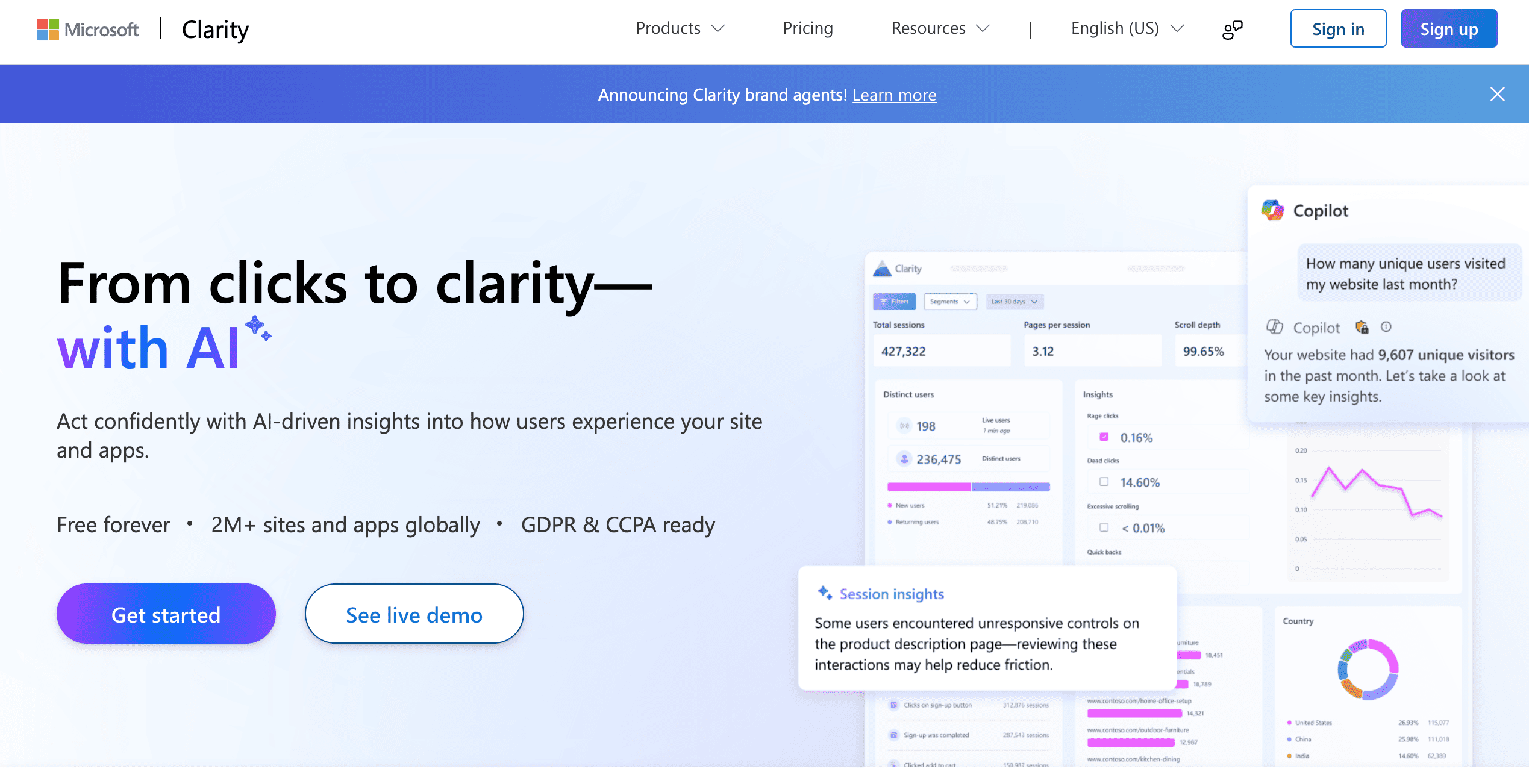
Free heatmaps and session recordings with a generous daily session limit.
Pricing:
Free forever, with no paid tier. Recording is capped at 100,000 sessions per project per day, and recordings are kept for 30 days (9 months for favorites and sampled recordings).
Best for:
Every team, as the first diagnostic layer before you buy anything else.
Pros:
No cost and a daily session limit most landing pages will not reach; heatmaps, recordings, rage click and dead click detection; Copilot insights for sessions and heatmaps; works alongside Google Analytics.
Cons:
No A/B testing; check your compliance needs before recording sessions that contain regulated data.
Aimers take:
Install it before anything else, because a week of recordings on your busiest landing page usually tells you more than any feature comparison. Page-level behavior data of this kind is also what showed us DentalSave visitors stalling before plan selection.
14. Contentsquare
The best-known heatmap and feedback tool, now sold inside the Contentsquare platform.
Pricing:
Free plan: 200,000 sessions a month. Growth: from €39 a month on annual billing (€49 monthly) for 7,000 sessions. Pro and Enterprise: custom quotes. Surveys (Voice of Customer): free up to 100 responses a month, then from €79 a month.
Best for:
Marketers who want recordings and surveys in the same place.
Pros:
Mature heatmaps, recordings and funnels; surveys and feedback in the same platform; an MCP connection for AI tools.
Cons:
Pricing is now split across products; budgets built on 2024 Hotjar prices are stale; A/B testing is not part of the plans listed.
Aimers take
If you are re-budgeting, compare the free Contentsquare plan with Clarity first, and pay when you need surveys tied to recordings.
15. Crazyegg
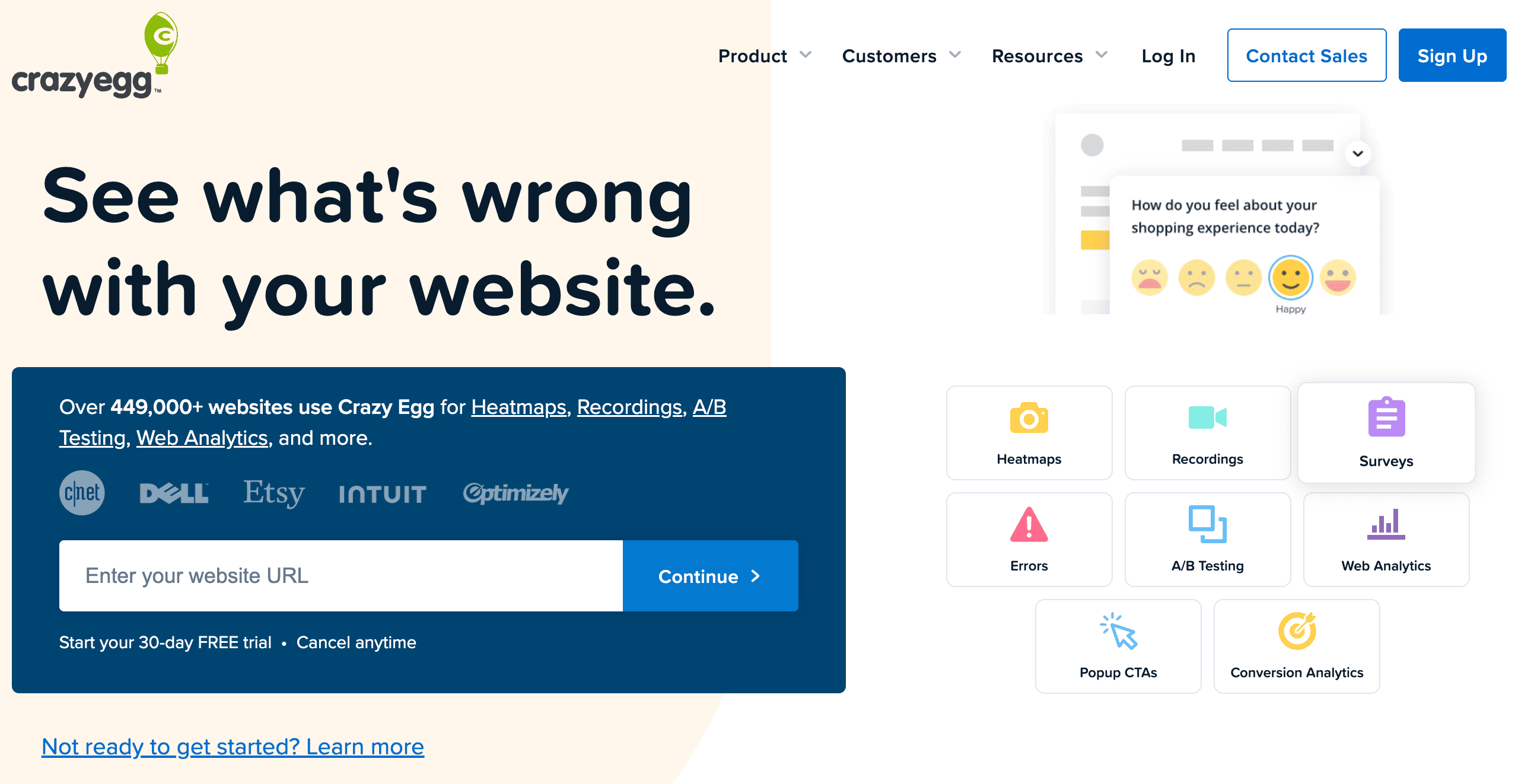
Heatmaps with basic testing, aimed at smaller sites.
Pricing:
Starter $29, Plus $99, Pro $249 and Enterprise $599 a month, all on annual billing with no overages. Starter covers 5,000 pageviews, 5 heatmap reports and 50 recordings a month, and has no A/B testing. Plus adds unlimited A/B testing with 150,000 pageviews and 1,000 recordings. 30-day free trial.
Best for:
Small sites that want heatmaps and simple tests under one login.
Pros:
Heatmaps, recordings and A/B testing (from Plus) in one product; simple setup; low entry price.
Cons:
Annual billing only; A/B testing starts at $99; heatmap report caps on lower plans; hard to justify against free Clarity unless you use its testing.
Aimers take:
The case for it is strongest when a small team wants heatmaps and a testing tool together, so judge the spend on the testing side.
16. Zuko
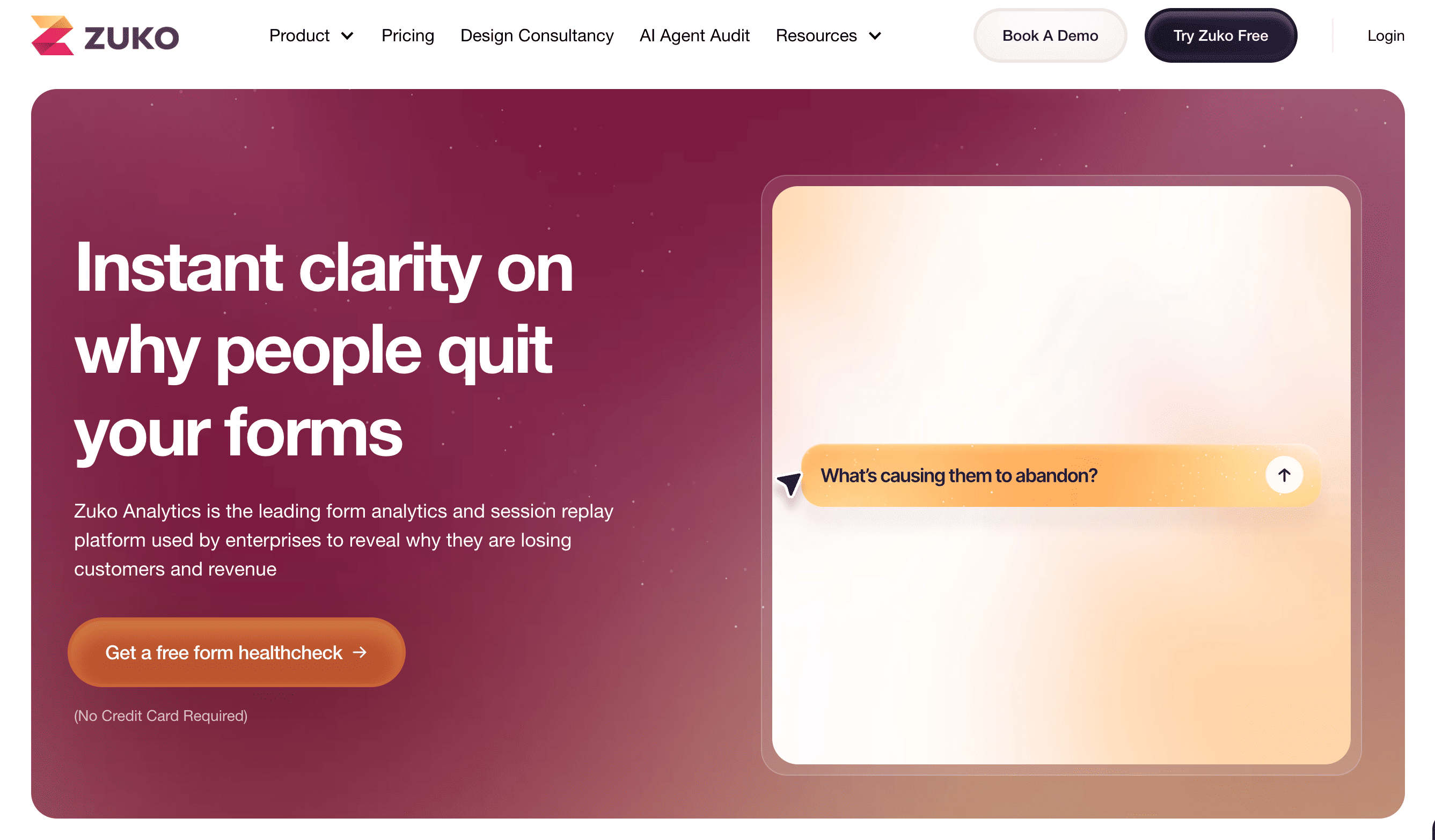
Form and checkout analytics that show where people abandon forms.
Pricing:
From $56 amont on yearly billing ($70 monthly) for 5,000 form sessions and basic reports; 10,000 sessions cost $112 and add all reports. Above 50,000 is quoted. Free trial, no free plan.
Best for:
Demo request, signup and checkout forms where drop-off is expensive.
Pros:
Per-field data on where visitors drop out of forms and checkouts; a dedicated tool rather than a side feature.
Cons:
Single purpose, so it is another tool to maintain; usage-based pricing grows with traffic.
Aimers take:
Forms are among the first things our CRO audit reviews, and a low form submission rate is a common reason ad spend stalls. Field-level data separates a weak offer from a weak form.
Part 4: User Research and On-Page Engagement
Research tools tell you why a test lost and what to try next. Live chat sits at the end of the list because it is a conversion lever to test, not a fixture.
17. Lyssna (Formerly UsabilityHub)
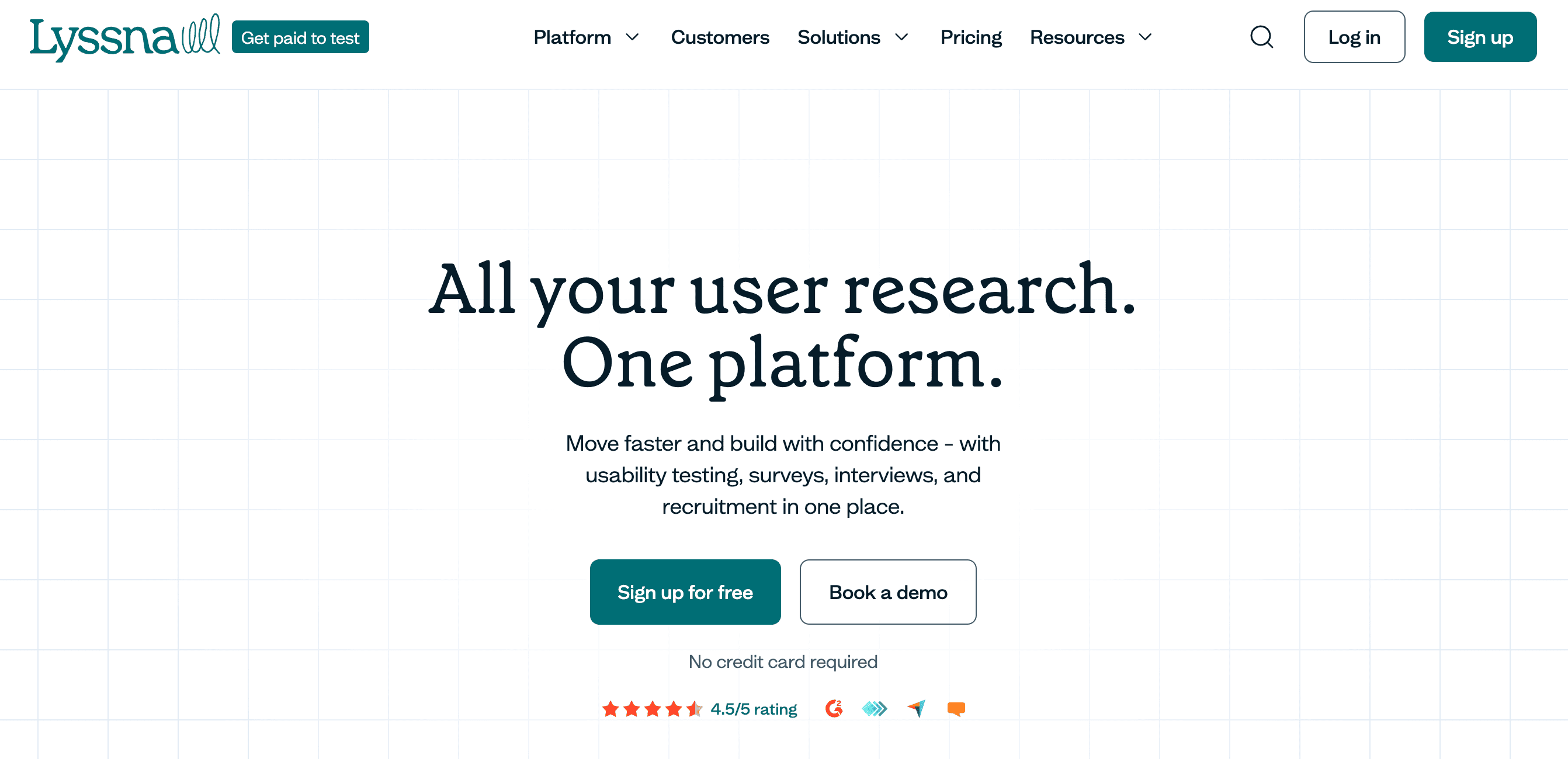
Fast, low-cost tests of designs and messages, such as five-second tests, preference tests and surveys.
Pricing:
Free plan: three seats and 15 self-recruited responses. Growth is $166 a month on monthly billing (annual rate not listed) with unlimited self-recruited responses. Panel responses are billed separately on every plan.
Best for:
Testing headlines, layouts and navigation before you build.
Pros:
A usable free tier; quick turnaround; unlimited self-recruited participants on paid plans.
Cons:
Panel costs grow with study length; it does not replace tests on live traffic.
Aimers take:
Use Lyssna to retire weak variants before they reach a live A/B test. It is cheaper to learn that a headline fails with 30 panelists than with 15,000 visitors.
18. Userbrain
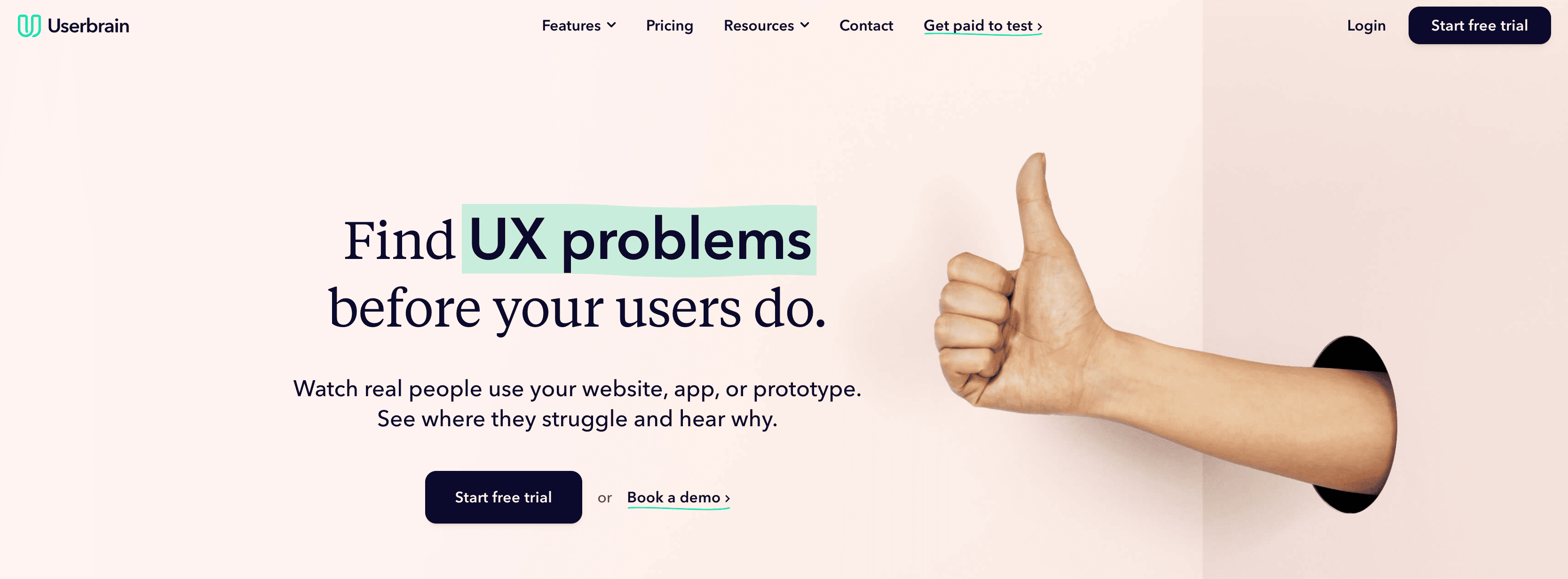
Recorded usability tests from real testers.
Pricing:
Starter $49 a month with 3 testers, Plus $249 with 10 testers, and Flex $1,100 a year with 30 testers. Enterprise is quoted. There is no free plan, but a 30-day free trial includes 2 testers and needs no card.
Best for:
Small teams that want recorded videos of people using a page.
Pros:
Videos of testers talking through your page; quick turnaround; a low entry price.
Cons:
Entry plans include few testers; cost per tester rises on larger plans.
Aimers take:
A handful of recorded sessions is usually enough to surface repeated usability problems, so the entry tier works well for pre-launch checks.
19. UserTesting
An enterprise research platform with a participant panel and expert services.
Pricing:
Quote only, with no prices published. Editions are Advanced, Ultimate and Ultimate+, sold as test-based consumption or team-based unlimited. No free plan is listed.
Best for:
Enterprise product and customer experience teams running continuous research.
Pros:
Broad research methods, a vetted panel of 7M+ participants in 34 countries, AI analysis and moderation, and an MCP server.
Cons:
No public pricing; contract-based; far more than one landing page needs.
Aimers take:
Do not buy this to fix one landing page. It pays back when research is a continuous program across product, UX and marketing.
20. Olark
Live chat that has repositioned toward AI website agents.
Pricing:
Live chat costs $29 per agent a month, with a 14-day free trial and no card. The Standard AI Website Agent costs $400 a month on annual billing and includes one human seat; extra seats are $29 each.
Best for:
Sales-assist chat on pricing and demo request pages.
Pros:
A simple widget; the classic chat plan is still available.
Cons:
Chat can add friction to a page built for one action; AI agents need content and oversight; pricing is per agent.
Aimers take:
Treat chat as a variant, not a default. Test the page with and without the widget, then compare lead quality as well as lead count.
Takeaways
Landing pages drive your marketing forward by generating leads and converting them into customers. Many SaaS tools can help you build and optimize them, so choose by your traffic and the questions you need answered, not by feature count.
- Define your needs first. Consider usability, overall value, and core features such as template quality and variety, A/B testing, integrations, and AI capabilities.
- Start free. Microsoft Clarity covers behavior, and every builder here offers a trial or demo mode, so try several before you pick the best fit.
- Confirm prices before you buy. Visitor caps, billing terms, and plan names change often, so check the vendor page on the day you decide.
- Keep research ahead of tooling. Tools speed up learning, but research and hypotheses decide what you learn, as our Originality.AI landing page tests showed.
Would you like our team to optimize your landing page for you? Check out our Conversion Rate Optimization offer! Our CRO workflow is designed to maximize efficiency and deliver the best possible results.
FAQs
It depends on your stage. Unbounce or Leadpages suit a few paid campaigns, Landingi or Instapage suit teams shipping many pages, Webflow suits design-led teams, and HubSpot suits teams already on HubSpot CRM.

A page converting at 3% needs about 14,000 visitors per variant (28,000 in total) to detect a 20% relative lift. Below that, rely on recordings, message research and bold page rewrites.
Yes. Microsoft Clarity is free, with a daily session limit per project that most landing pages will not reach. Webflow and Kit have free plans, and HubSpot offers free tools.
Two to four weeks, or until it has enough traffic and conversions to decide, and longer on low-traffic pages. Validated results usually take four to eight weeks.
Start with a builder that includes testing, such as Unbounce or Leadpages. You get pages, forms and experiments in one place, which keeps cost and setup low. Add a dedicated platform like VWO, Convert or Optimizely only when your traffic can power several tests a month, you have a backlog of hypotheses, and someone on the team can read the results. Until then, a second subscription mostly adds cost, not learning.
.avif)



.png)